ETJava Beta | Java
 注册
登录
注册
登录
注册
登录
注册
登录
elasticsearch head插件是一个入门级的elasticsearch前端插件 类似数据库连接工具,用来方便快速对索引进行增删改查等操作

安装步骤
	1. 安装nodejs环境
		head插件是nodejs实现的,所以必须先安装Nodejs
		参考 http://etjava.cn/blog/article/51
	2. 安装git
		我们要用git方式下载head插件
		参考 http://etjava.cn/blog/article/52
	3. 下载以及安装head插件
		打开 https://github.com/mobz/elasticsearch-head
打开 https://github.com/mobz/elasticsearch-head  根据给的指令安装即可
注意: 这里我们是安装到/usr/local/目录下的
		如果git无法下载 可以选择下载到桌面zip格式 然后手动上传到指定目录在执行安装即可

Running
There are multiple ways of running elasticsearch-head.

Running with built in server

git clone git://github.com/mobz/elasticsearch-head.git
cd elasticsearch-head
npm install
npm run start
open http://localhost:9100/

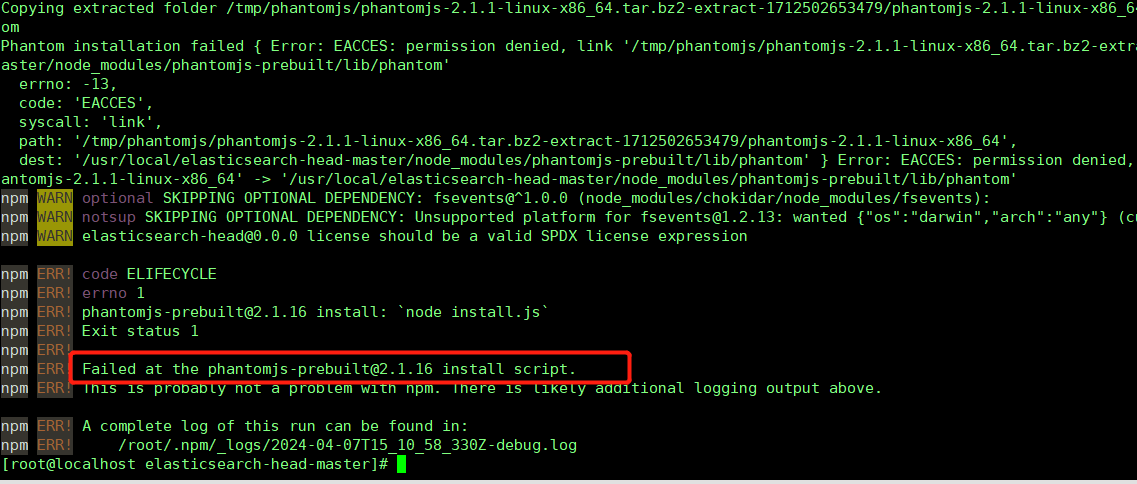
执行安装时 可能会出现如下错误
	pm ERR! Failed at the phantomjs-prebuilt@2.1.16 install script.
	解决:
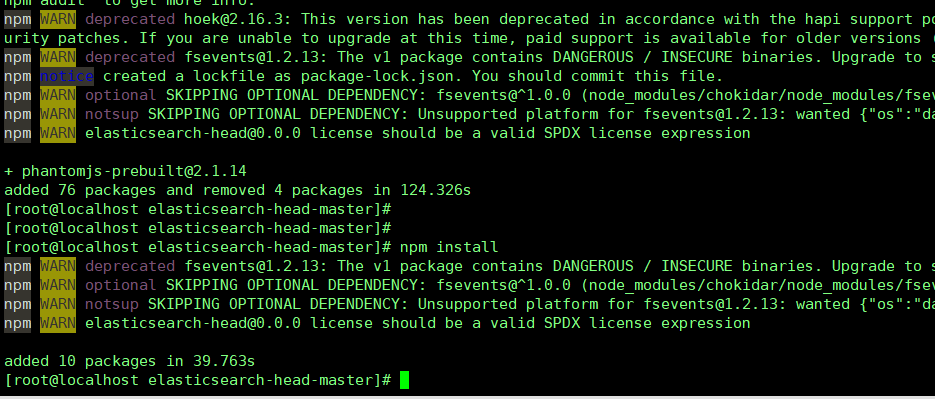
		先执行 npm install phantomjs-prebuilt@2.1.14 --ignore-scripts
		在执行npm install

最后配置elasticsearch.yml
	进入elasticsearch config目录 打开 elasticsearch.yml
	最后加上
        http.cors.enabled: true
        http.cors.allow-origin: "*"


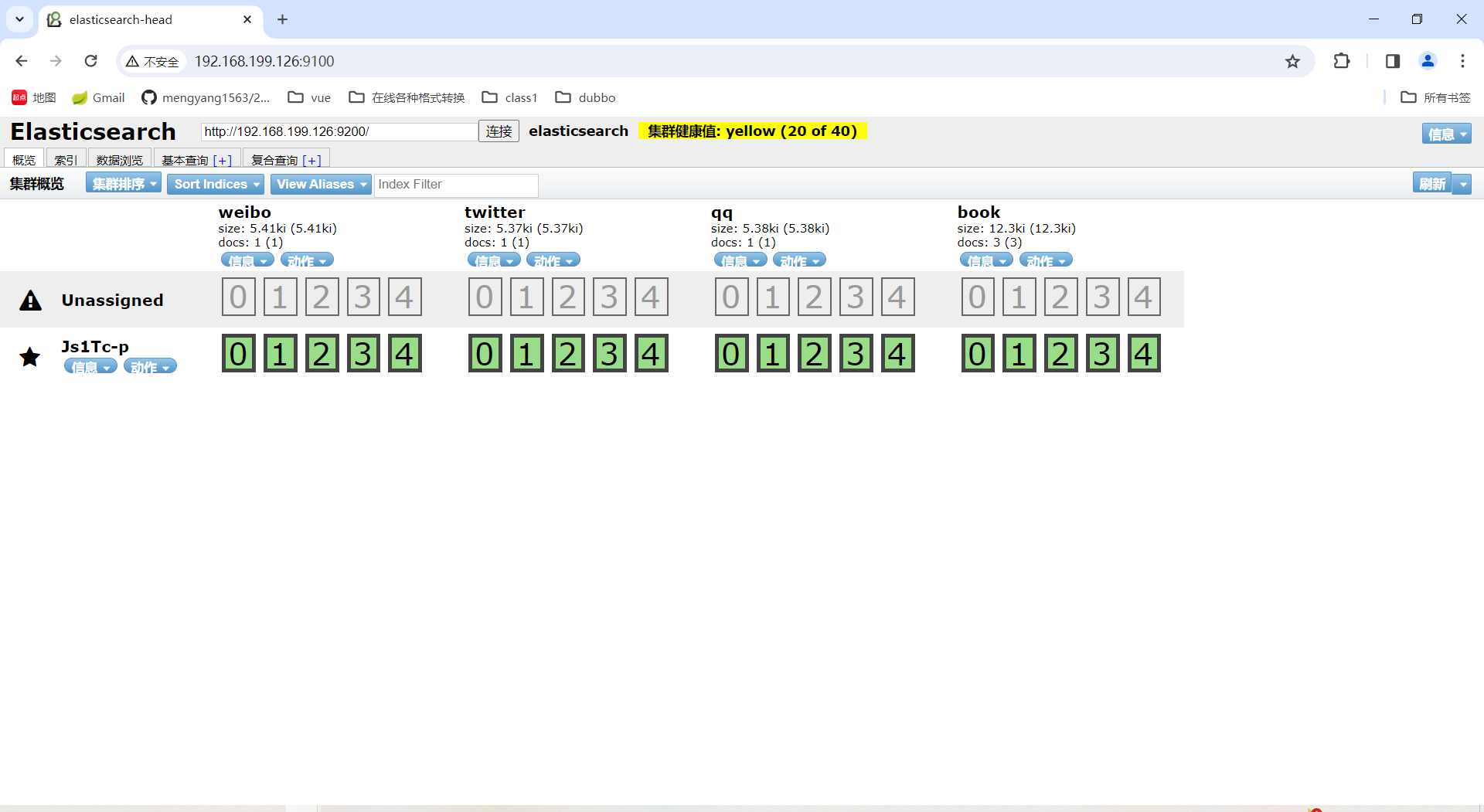
启动elasticsearch,再进入head目录,执行npm run start 启动插件
先执行 npm install phantomjs-prebuilt@2.1.14 --ignore-scripts
在执行安装 npm install
 官方公众号
官方公众号
