ETJava Beta | Java
 注册
登录
注册
登录
注册
登录
注册
登录
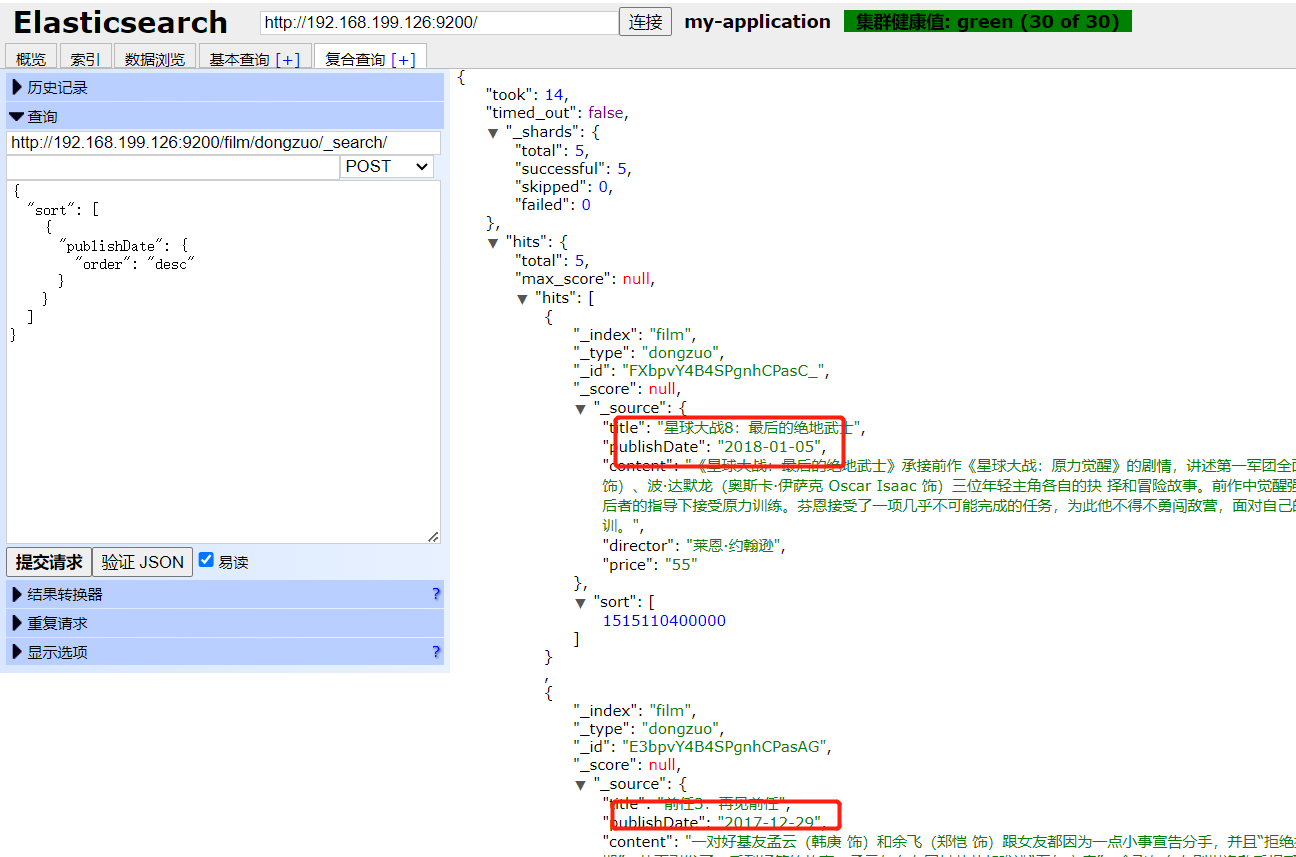
POST http://192.168.199.126:9200/film/dongzuo/_search/
{
  "sort": [
    {
      "publishDate": {
        "order": "desc"
      }
    }
  ]
}
多字段排序
{
  "sort": [
    {
      "publishDate": {
        "order": "desc"
      }
    },
    {
      "price": {
        "order": "desc"
      }
    }
  ]
}
    private TransportClient client;

    private static String host="192.168.199.126";
    private static int port=9300; // 程序连接的端口

    // 配置settings 集群相关
    private static Settings.Builder settings = Settings.builder().put("cluster.name","my-application");


    @Before
    public void init() throws UnknownHostException {
        client = new PreBuiltTransportClient(settings.build())
                .addTransportAddress(new TransportAddress(InetAddress.getByName(host), port));

    }

    @After
    public void close(){
        if(client!=null){
            client.close();
        }
    }


 /*
    * 查询所有数据 带排序
    * */
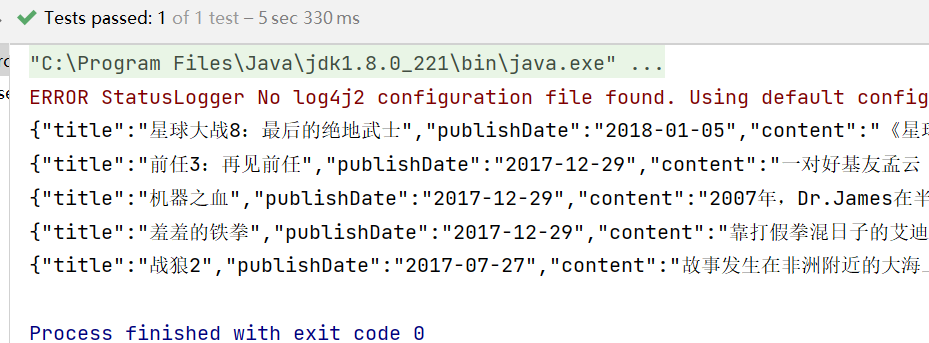
@Test
public void searchOrderBy()throws Exception{
    // 设置要查询的索引名称和类型
    SearchRequestBuilder srb=client.prepareSearch("film").setTypes("dongzuo");
    SearchResponse sr=srb.setQuery(QueryBuilders.matchAllQuery())// 查询所有
        .addSort("publishDate", SortOrder.DESC) // 添加排序字段
        .addSort("price", SortOrder.DESC)
        .execute()
        .actionGet(); // 分页排序所有
    SearchHits hits=sr.getHits();
    for(SearchHit hit:hits){
        System.out.println(hit.getSourceAsString());
    }
}
 官方公众号
官方公众号
