ETJava Beta | Java
 注册
登录
注册
登录
注册
登录
注册
登录
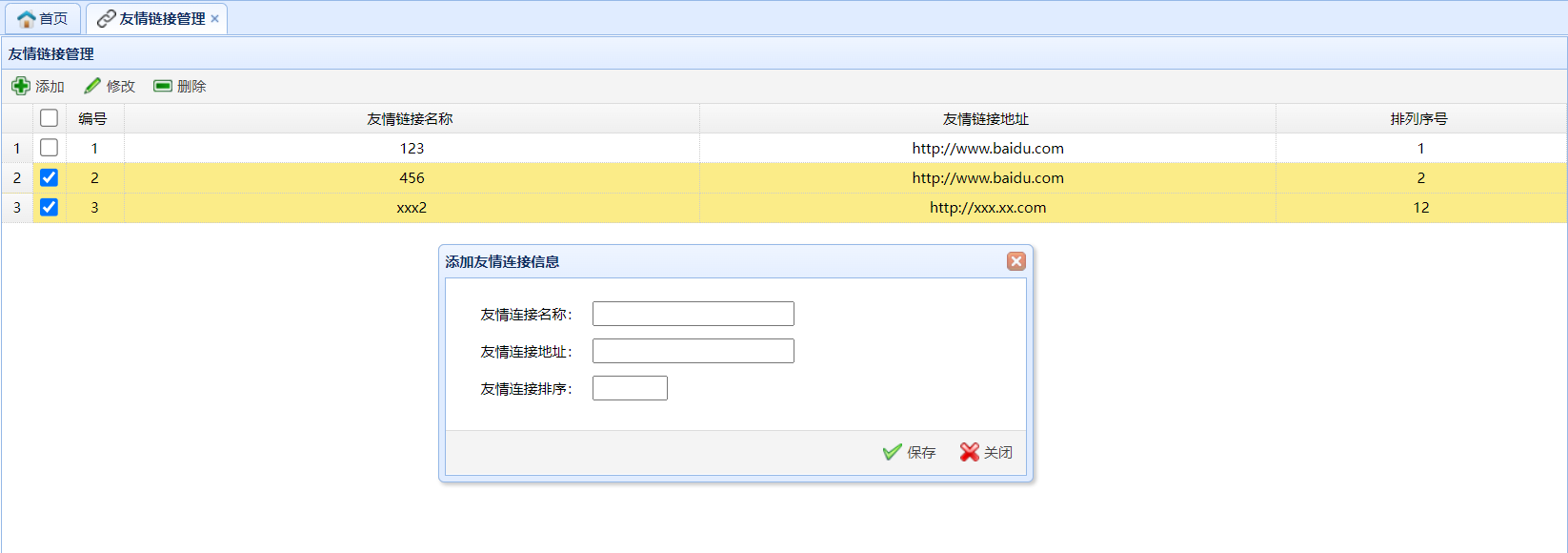
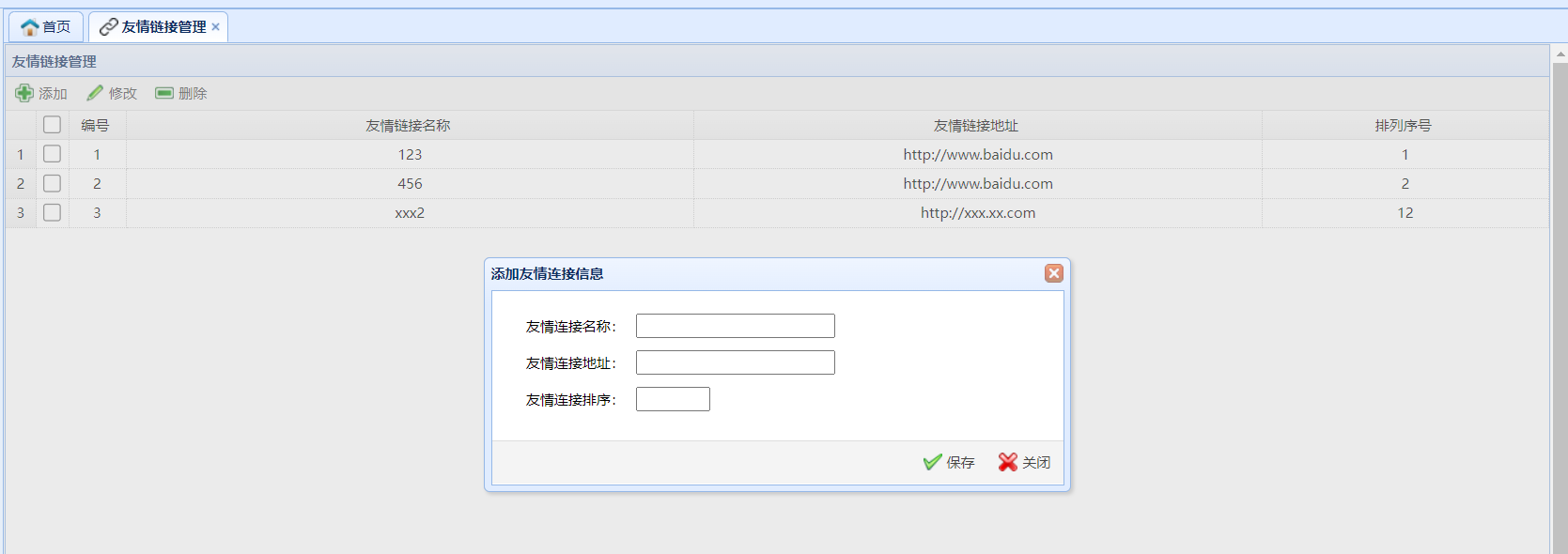
easyui的弹窗遮罩其实就是设置模态框 只需要在弹窗的窗体上添加modal=true即可
添加modal属性之前
添加modal属性之后
示例代码
<script>
// 打开添加弹窗
function openLinkAddDialog(){
  $("#dlg").dialog("open").dialog("setTitle","添加友情连接信息");

}
</script>

<!--弹出窗-->
<div class="easyui-dialog" id="dlg" modal="true" style="width: 500px; height: 200px;padding: 10px 20px"
     closed="true" buttons="#dlg-button">
    <form id="fm" method="post">
        <table cellspacing="8px">
            <tr>
                <td>友情连接名称:</td>
                <td>
                    <input type="text" name="linkName" id="linkName" class="easyui-validatebox" required="true"/>
                </td>
            </tr>
            <tr>
                <td>友情连接地址:</td>
                <td>
                    <input type="text" name="linkUrl" id="linkUrl" class="easyui-validatebox" validtype="url" required="true"/>
                </td>
            </tr>
            <tr>
                <td>友情连接排序:</td>
                <td>
                    <input type="text" name="sort" id="sort" class="easyui-numberbox" style="width: 56px;" required="true"/>
                </td>
            </tr>
        </table>
    </form>
</div>
<div id="dlg-button">
    <a href="javascript:saveLink()" class="easyui-linkbutton" iconCls="icon-ok" plain="true">保存</a>
    <a href="javascript:closeDialog()" class="easyui-linkbutton" iconCls="icon-cancel" plain="true">关闭</a>
</div>
 官方公众号
官方公众号
