ETJava Beta | Java
 注册
登录
注册
登录
注册
登录
注册
登录
在SemanticKernel的入门例子中:
// Import packages
using Microsoft.SemanticKernel;
using Microsoft.SemanticKernel.ChatCompletion;
using Microsoft.SemanticKernel.Connectors.OpenAI;

// Create a kernel with Azure OpenAI chat completion
var builder = Kernel.CreateBuilder().AddAzureOpenAIChatCompletion(modelId, endpoint, apiKey);

// Add enterprise components
builder.Services.AddLogging(services => services.AddConsole().SetMinimumLevel(LogLevel.Trace));

// Build the kernel
Kernel kernel = builder.Build();
var chatCompletionService = kernel.GetRequiredService<IChatCompletionService>();

// Add a plugin (the LightsPlugin class is defined below)
kernel.Plugins.AddFromType<LightsPlugin>("Lights");

// Enable planning
OpenAIPromptExecutionSettings openAIPromptExecutionSettings = new()
{
    ToolCallBehavior = ToolCallBehavior.AutoInvokeKernelFunctions
};

// Create a history store the conversation
var history = new ChatHistory();

// Initiate a back-and-forth chat
string? userInput;
do {
    // Collect user input
    Console.Write("User > ");
    userInput = Console.ReadLine();

    // Add user input
    history.AddUserMessage(userInput);

    // Get the response from the AI
    var result = await chatCompletionService.GetChatMessageContentAsync(
        history,
        executionSettings: openAIPromptExecutionSettings,
        kernel: kernel);

    // Print the results
    Console.WriteLine("Assistant > " + result);

    // Add the message from the agent to the chat history
    history.AddMessage(result.Role, result.Content ?? string.Empty);
} while (userInput is not null)
只要使用:
// Enable planning
OpenAIPromptExecutionSettings openAIPromptExecutionSettings = new()
{
    ToolCallBehavior = ToolCallBehavior.AutoInvokeKernelFunctions
};
就可以实现本地函数的调用了,这很酷,也是最吸引我的地方。
但我在实践的过程中,发现直接这样子,只有OpenAI的模型与Moonshot AI可以用,而其他模型的本地函数调用都无效。
如何能使用一个开源的模型实现本地函数调用,那就非常酷。
在SemanticKernel的讨论区,我也发现世界各地的人也都有这种需求,不想只用OpenAI,也要使用其他的模型,在SemanticKernel中实现本地函数调用。
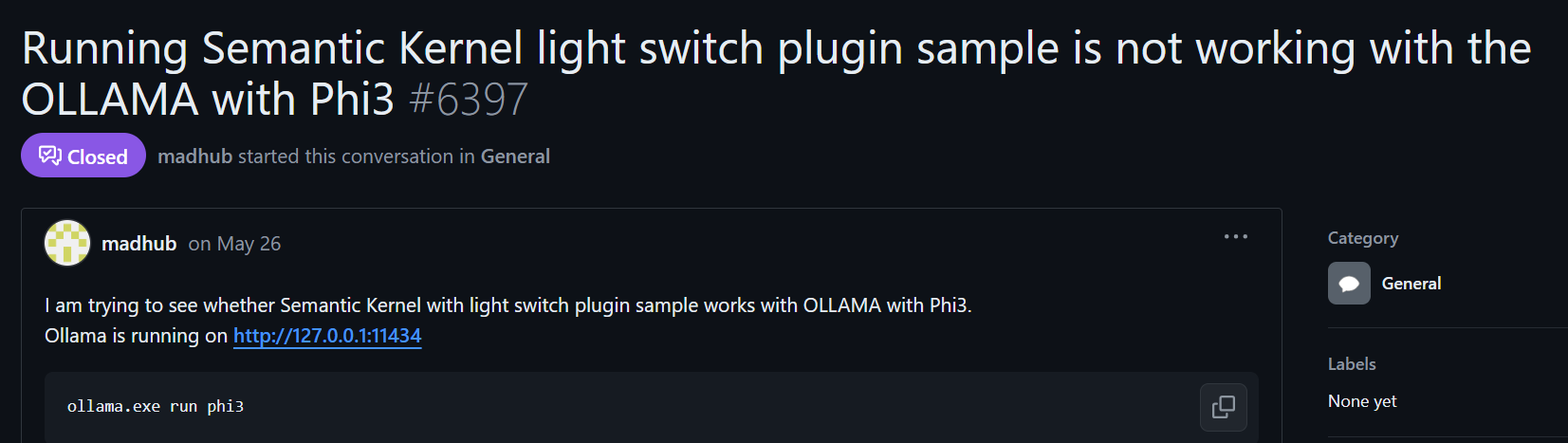
在这个讨论区,官方最初将这个转化为一个问题:
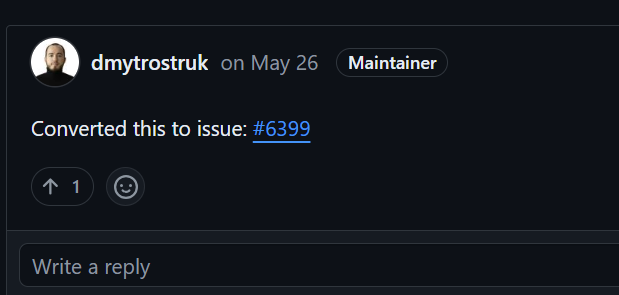
点进这个问题:
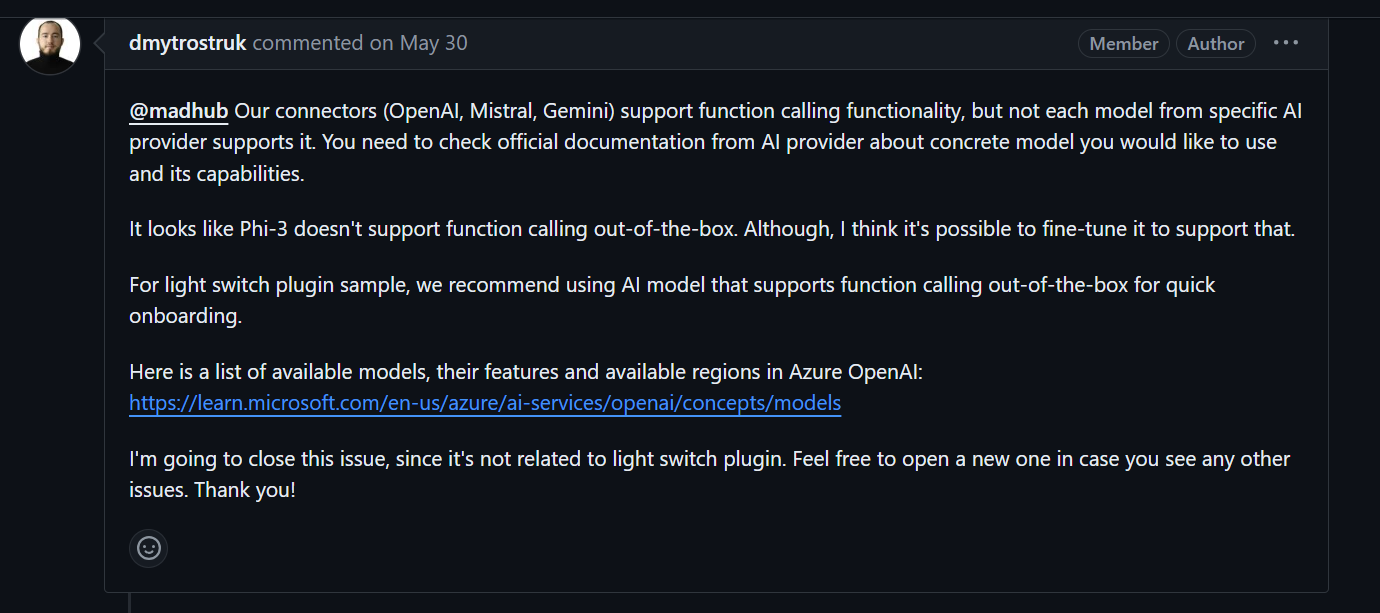
这是对应的翻译:
我们的连接器(OpenAI、Mistral、Gemini)支持函数调用功能,但并非特定 AI 提供商的每个模型都支持它。您需要查看 AI 提供商的官方文档,了解您要使用的具体模型及其功能。看起来 Phi-3 不支持开箱即用的函数调用。虽然,我认为可以对其进行微调以支持这一点。对于电灯开关插件示例,我们建议使用支持开箱即用函数调用的 AI 模型,以便快速上手。下面是 Azure OpenAI 中的可用模型、其功能和可用区域的列表:
https://learn.microsoft.com/en-us/azure/ai-services/openai/concepts/models
我将关闭此问题,因为它与电灯开关插件无关。如果您看到任何其他问题,请随时打开一个新的。谢谢!
有一位老哥推荐了一个项目能够实现这个目的:
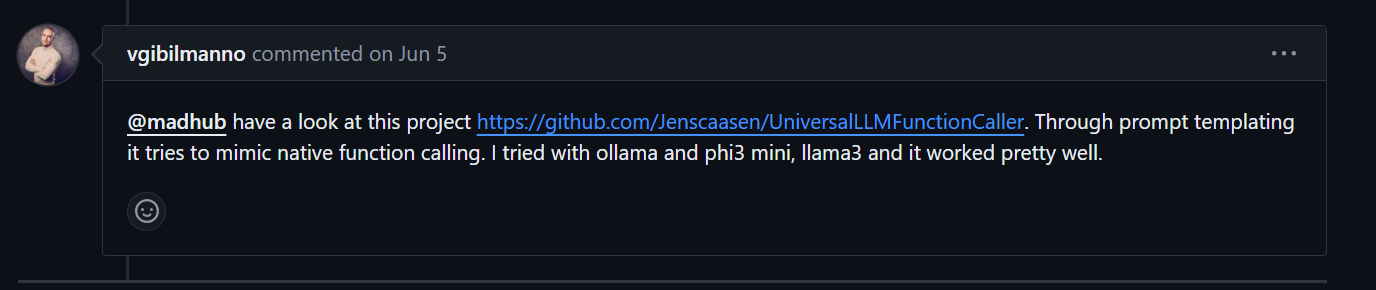
对应的翻译:
看看这个项目 https://github.com/Jenscaasen/UniversalLLMFunctionCaller。通过提示模板,它尝试模仿本机函数调用。我尝试了 ollama 和 phi3 mini、llama3,效果很好。
我也去尝试使用这个项目:
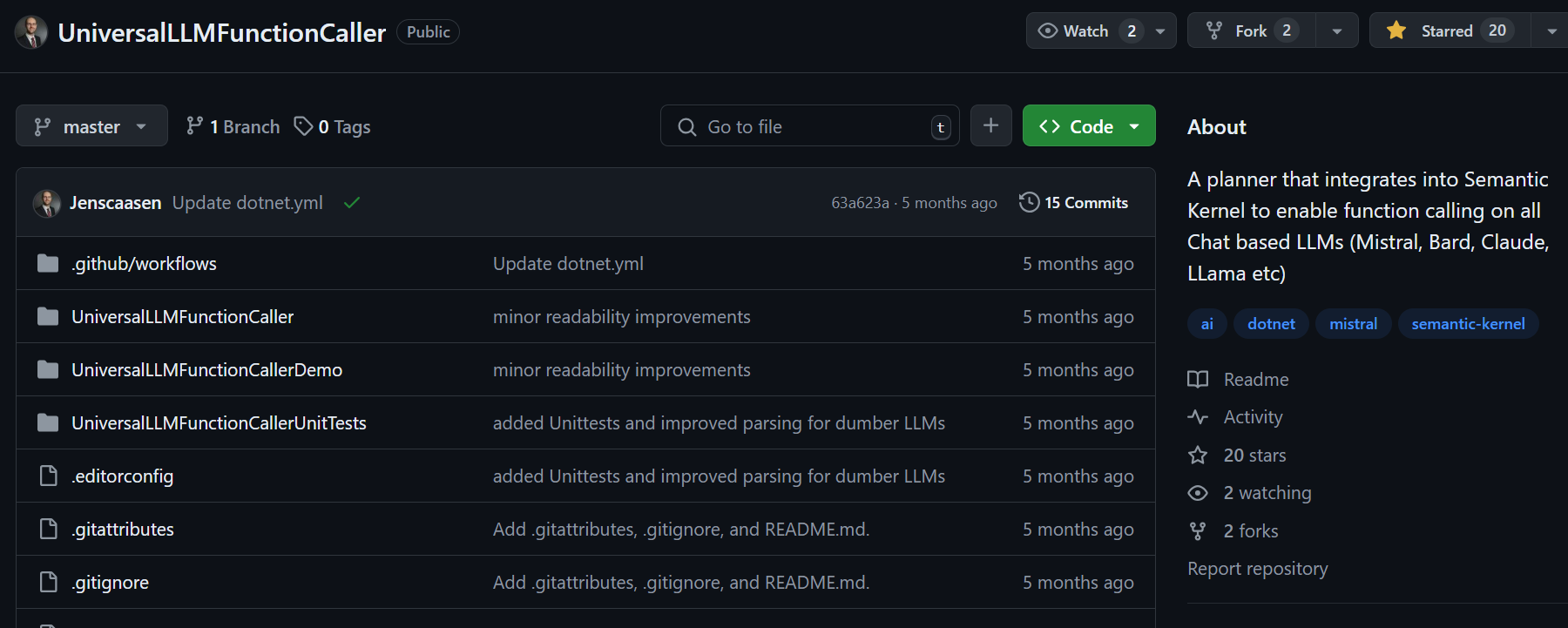
简介的翻译如下:
一个集成到语义内核中的计划器,可以在所有基于LLMs聊天(Mistral、Bard、Claude、LLama 等)上实现函数调用。
根据这个项目提供的方法我去尝试了一下:
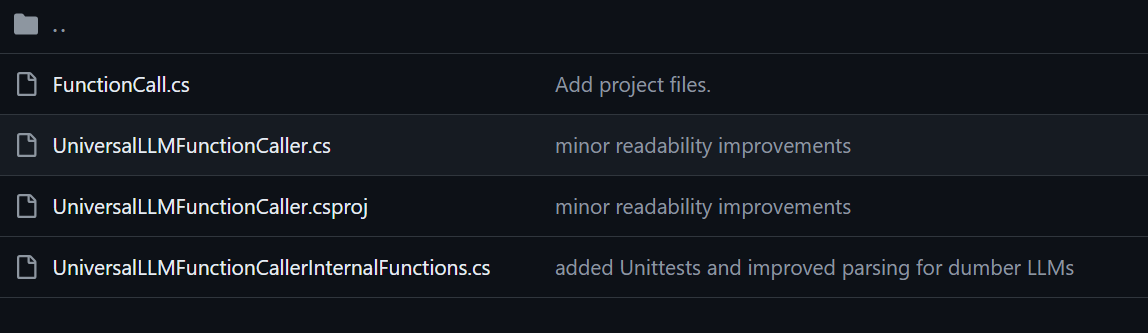
把这个项目中的类,添加到自己的项目中:
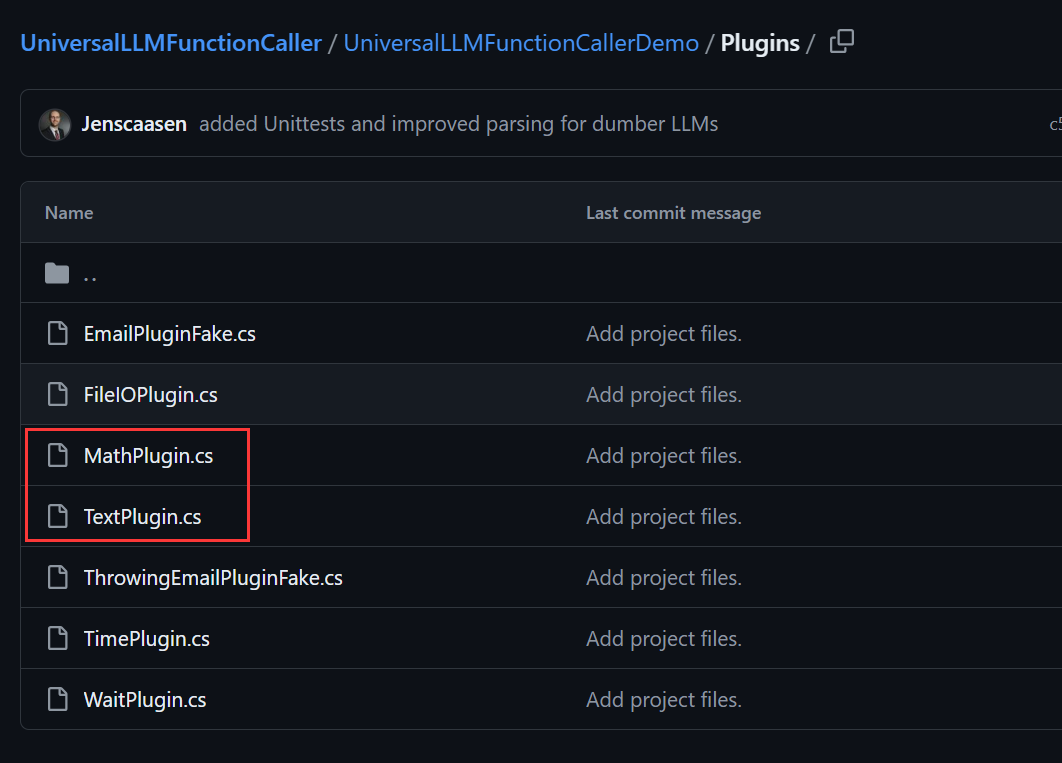
添加这两个插件到自己的项目中,用于测试:
构建kernel:
 var handler = new OpenAIHttpClientHandler();
 var builder = Kernel.CreateBuilder()
 .AddOpenAIChatCompletion(
    modelId: "",
    apiKey: "",
    httpClient: new HttpClient(handler));
 _kernel = builder.Build();
 _kernel.ImportPluginFromType<TimePlugin>("Time");
 _kernel.ImportPluginFromType<MathPlugin>("Math");
测试代码:
   UniversalLLMFunctionCaller planner = new(_kernel);
   string ask = "What is the current hour number, plus 6?";
   Debug.WriteLine(ask);
   string result = await planner.RunAsync("What is the current hour number, plus 6?");
   Debug.WriteLine(result);
Qwen/Qwen2-7B-Instruct的输出:
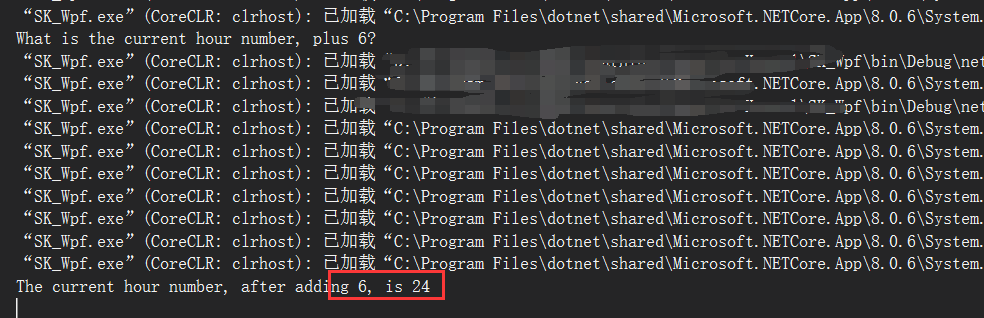
测试的时候是18:09分,18+6 =24,成功执行了本地函数用于获取当前时间与进行加法。
但并不是每个模型使用这个都能成功进行本地函数调用。
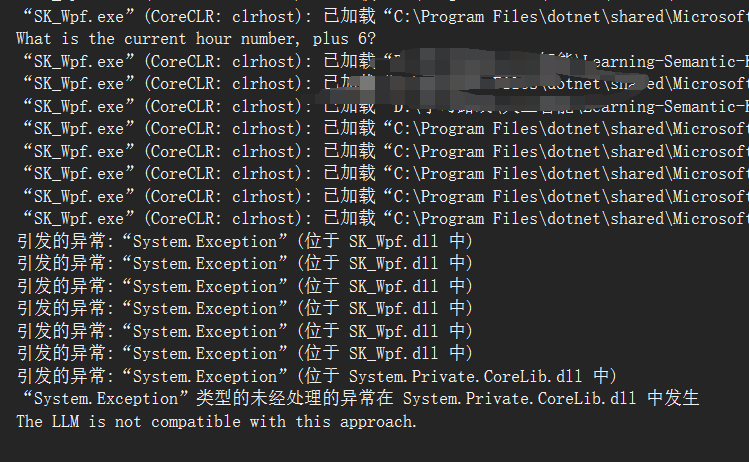
根据硅基流动提供的模型,我根据这个demo进行测试,可行的结果如下:
Qwen/Qwen2-72B-Instruct
Qwen/Qwen2-7B-Instruct
Qwen/Qwen1.5-110B-Chat
Qwen/Qwen1.5-32B-Chat
Qwen/Qwen1.5-7B-Chat
deepseek-ai/DeepSeek-V2-Chat
01-ai/Yi-1.5-34B-Chat-16K
可供遇到这个问题的人参考。
 官方公众号
官方公众号