ETJava Beta | Java
 注册
登录
注册
登录
注册
登录
注册
登录
你好,我是 Kagol,个人公众号:前端开源星球。
上个月和 TinyVue 的小伙伴们一起参加了 VueConf 24 大会,有幸认识沈青川大佬,并了解了他的 Vue Vine 项目,Vue Vine 让你可以在一个文件中通过函数方式定义多个 Vue 组件,同时可以使用所有 Vue 的模板特性。
听起来是不是很酷!
之前我写过 SFC,也写过 JSX 的 Vue 组件,两者各有缺点。
Vue Vine 通过把两者的优点集合在一起,创造了一种全新的 Vue 组件书写方式。
我们来一起体验下吧!
假设你已经有一个 Vite + Vue3 项目。
只需要以下步骤,就可以搭建 Vue Vine 环境:
npm i -D vue-vinevite.config.ts 中导入 VineVitePlugin 插件import { VineVitePlugin } from 'vue-vine/vite'
export default defineConfig({
plugins: [
// ...其他插件
VineVitePlugin()
],
})
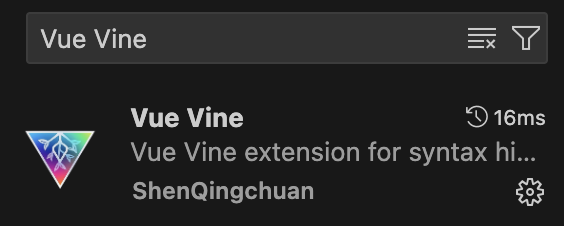
tsconfig.json 中配置 macro 类型{
"compilerOptions": {
"types": ["vue-vine/macros"]
}
}
我们创建一个 MyComponent.vine.ts 文件,写入以下内容:
export function MyComponent() {
  return vine`
    <div>Hello World</div>
  `
}
然后在 App.vue 中引入这个组件。
<script setup lang="ts">
import { MyComponent } from './components/MyComponent.vine'
</script>

<template>
  <MyComponent />
</template>
可以看到显示了一个 Hello World。
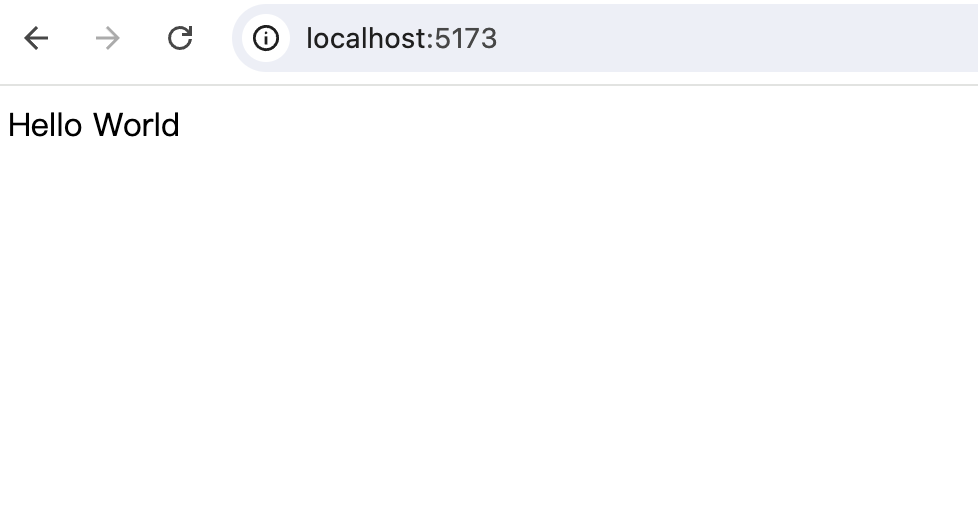
再定义一个组件,并引入 TinyVue 的组件试试。
MyComponent.vine.ts 文件,写入以下内容:
+ import { TinyButton, TinyAlert } from '@opentiny/vue'

export function MyComponent() {
  return vine`
    <div>Hello World</div>
  `
}

+ export function ComponentDemo() {
+   return vine`
+     <tiny-button type="primary">确定</tiny-button>
+     <tiny-alert description="这是一段描述"></tiny-alert>
+   `
+ }
在 App.vue 中引入这个组件。
<script setup lang="ts">
- import { MyComponent } from './components/MyComponent.vine'
+ import { MyComponent, ComponentDemo } from './components/MyComponent.vine'
</script>

<template>
  <MyComponent />
+   <ComponentDemo />
</template>
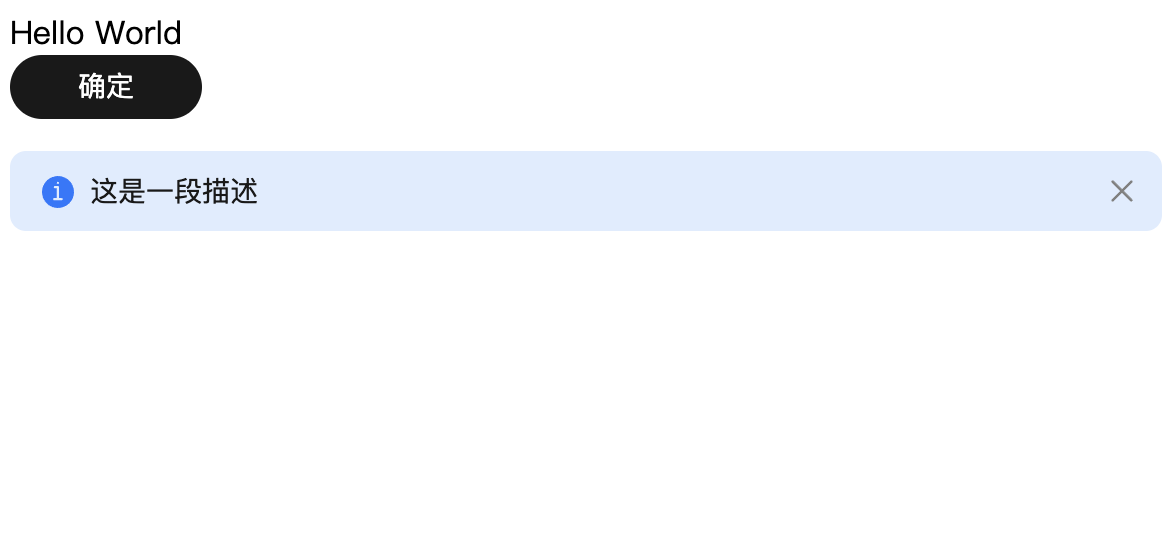
之前在我的博客写过一篇文章:手把手教你使用 Vue / React / Angular 三大框架开发 Pagination 分页组件
我们现在用 Vue Vine 方式重写一遍。
创建 Pagination.vine.ts 文件,写入以下内容:
import { ref } from 'vue'
// 演示组件 props 定义
export function Pagination(props: {
defaultCurrent: number,
defaultPageSize: number,
total: number,
}) {
// 演示 emit 事件定义
const emit = vineEmits<{
change: [current: number]
}>()
// 当前页码
const current = ref(props.defaultCurrent)
// 总页码
const totalPage = ref(Math.ceil(props.total / props.defaultPageSize))
// 设置当前页码
const setPage = (page: number) => {
if (page < 1) return
if (page > totalPage.value) return
current.value = page
emit('change', current.value)
}
return vine`
<div class="x-pagination">
<Button class="btn-prev" @click="setPage(current - 1)"><</Button>
{{ current }}
<Button class="btn-next" @click="setPage(current + 1)">></Button>
</div>
`
}
// 自定义 Button 组件(演示 <slot></slot> 插槽)
export function Button() {
const emit = vineEmits<{
click: []
}>()
return vine`
<button type="button" @click="emit('click')"><slot></slot></button>
`
}
再定义一个 List 列表组件,用来模拟分页数据。
List.vine.ts
import { ref, watch } from 'vue'

export function List(props: {
  dataSource: {
    id: number
    name: string
  }[]
}) {
  const lists = ref(props.dataSource)

  watch(() => props.dataSource, (newVal) => {
    lists.value = newVal
  })

  return vine`
    <ul>
      <li v-for="list in lists" :key="list.id">
        {{ list.name }}
      </li>
    </ul>
  `
}
在 App.vue 中使用 Pagination 和 List 组件。
<script setup lang="ts">
+ import { ref } from 'vue'
+ import chunk from 'lodash-es/chunk'
import { MyComponent, ComponentDemo } from './components/MyComponent.vine'
+ import { Pagination } from './Pagination.vine'
+ import { List } from './List.vine'
+
+ // 数据源
+ const lists = [
+   { id: 1, name: 'Curtis' },
+   { id: 2, name: 'Cutler' },
+   { id: 3, name: 'Cynthia' },
+   { id: 4, name: 'Cyril' },
+   { id: 5, name: 'Cyrus' },
+   { id: 6, name: 'Dagmar' },
+   { id: 7, name: 'Dahl' },
+   { id: 8, name: 'Dahlia' },
+   { id: 9, name: 'Dailey' },
+   { id: 10, name: 'Daine' },
+ ]
+
+ // 列表当前展示的数据
+ const dataList = ref<{
+   id: number
+   name: string
+ }[]>([])
+
+ const defaultCurrent = 1
+ const defaultPageSize = 3
+ const total = lists.length
+
+ // 设置当前列表数据
+ const setList = (current: number, pageSize: number) => {
+   dataList.value = chunk(lists, pageSize)[current - 1]
+ }
+
+ setList(defaultCurrent, defaultPageSize)
+
+ const onChange = (current: number) => {
+   setList(current, defaultPageSize)
+ }
</script>

<template>
  <MyComponent />
  <ComponentDemo />
+   <List :data-source="dataList" />
+   <Pagination :default-current="defaultCurrent" :default-page-size="defaultPageSize" :total="total" @change="onChange" />
</template>
效果如下:
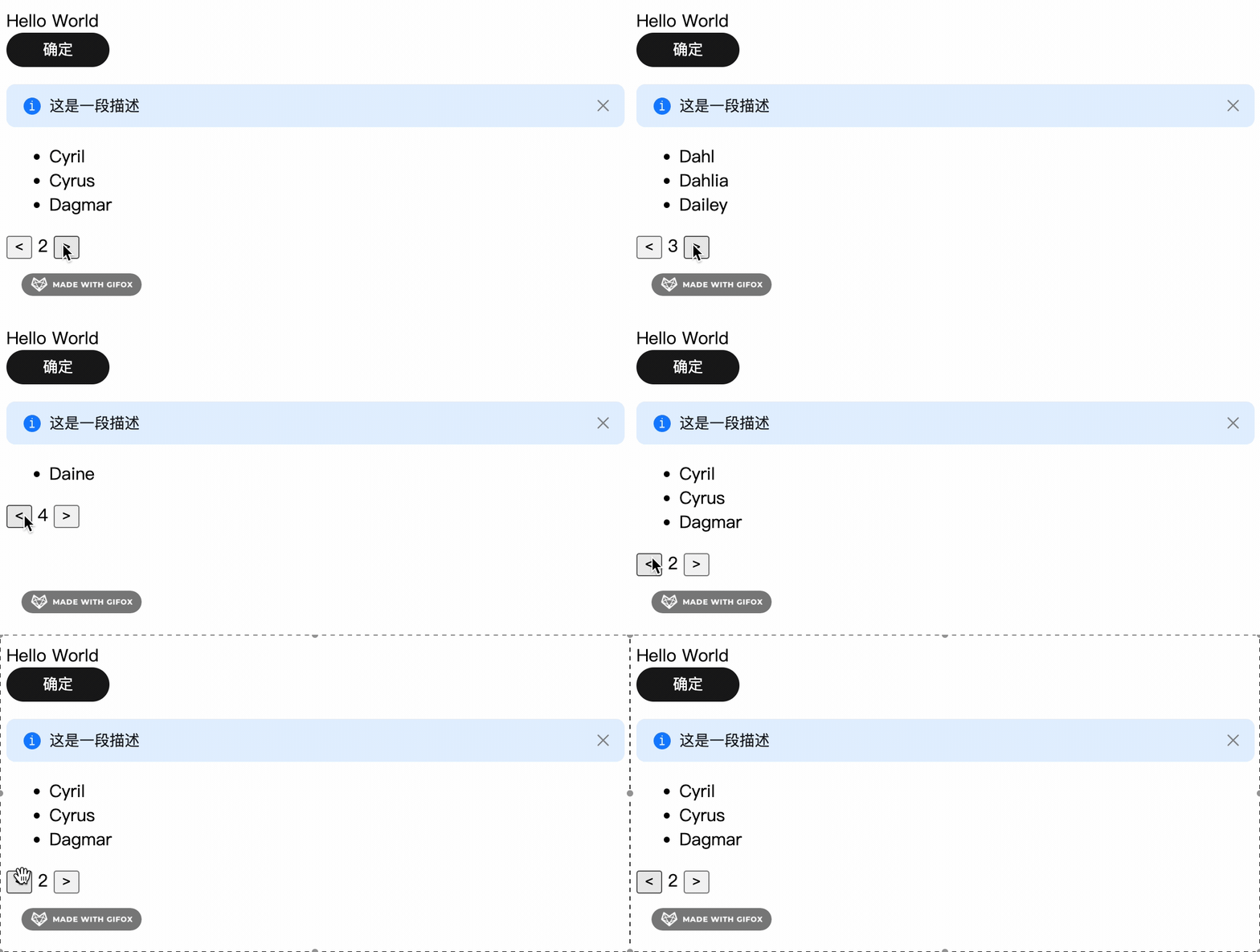
这里有几个需要注意的点:
export function Pagination(props: {
  defaultCurrent: number,
  defaultPageSize: number,
  total: number,
}) {
 ...
}
const emit = vineEmits<{
  change: [current: number]
}>()

emit('change', current.value)
更多用法参考 Vue Vine 官网:https://vue-vine.dev/
你觉得 Vue Vine 风格写 Vue 组件体验如何呢?欢迎在评论区留言讨论。
GitHub:https://github.com/opentiny/tiny-vue(欢迎 Star )
官网:https://opentiny.design/tiny-vue
B站:https://space.bilibili.com/15284299
个人博客:https://kagol.github.io/blogs
小助手微信:opentiny-official
公众号:OpenTiny
 官方公众号
官方公众号