ETJava Beta | Java
 注册
登录
注册
登录
注册
登录
注册
登录
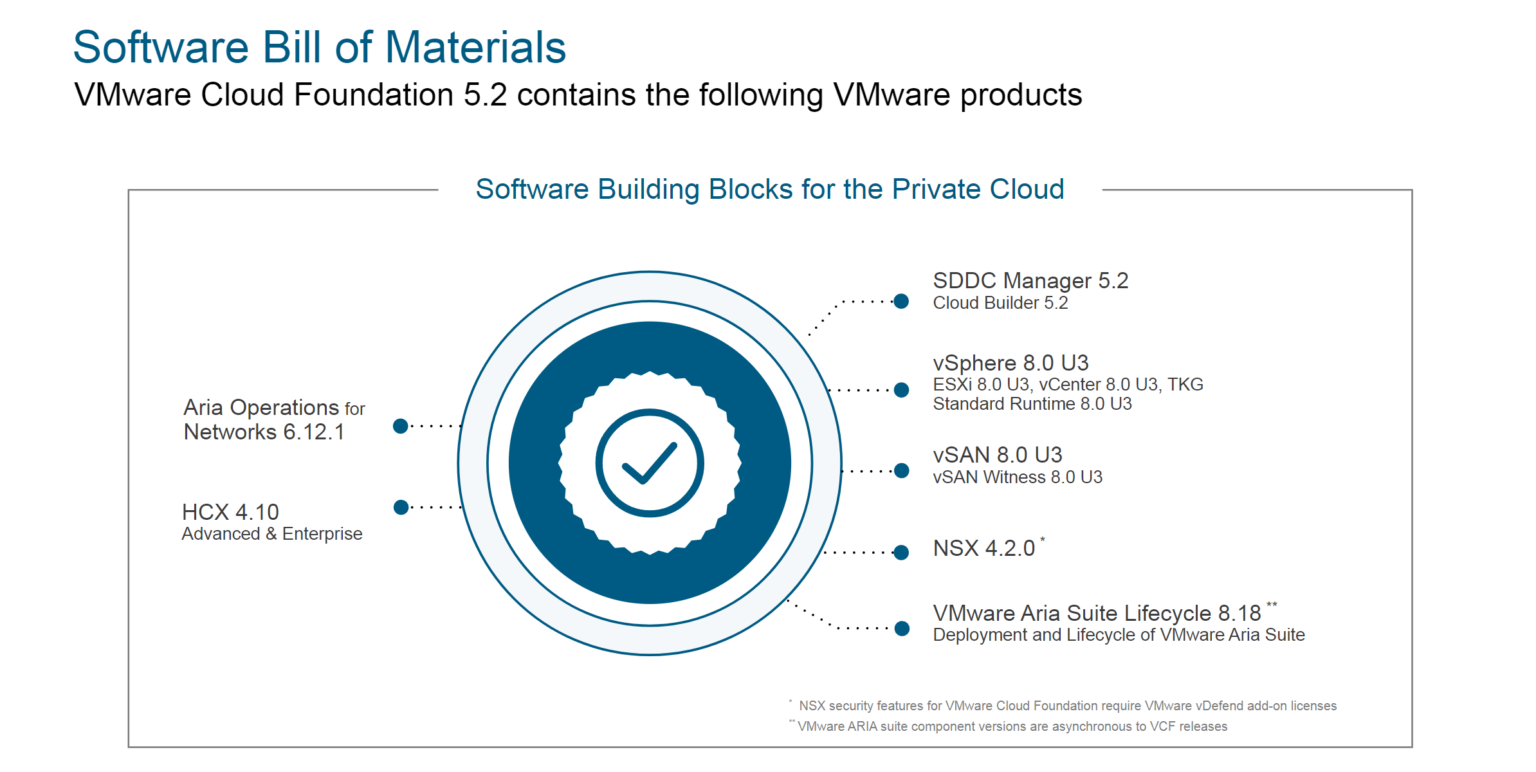
VMware 前不久发布了 VMware Cloud Foundation 5.2 版本,并带来了许多功能的升级,比如支持 vSAN Max 分解存储,管理工作负载域支持 vSAN ESA 延伸集群,通过 VCF Import 工具将现有环境中的 vSphere/vSAN 集群直接转换成管理域或者导入为 VI 工作负载域等,这应该是 VMware by Broadcom 首次针对各项产品的调整以及各个部门的整合后的一次重量级更新,有关更多功能介绍和内容消息请查看 VMware Cloud Foundation 5.2 发行说明以及发布介绍。VMware Cloud Foundation 5.2 版本的 BOM 物料清单如下图所示,集合了 VMware 所发布的最新主要产品,如 vSphere 8 U3、vSAN 8 U3 以及 NSX 4.2 等。
VMware Cloud Foundation(简称 VCF)支持标准和整合部署架构,之前(“VMware Cloud Foundation Part 05:部署 SDDC 管理域。”和“VMware Cloud Foundation Part 06:部署 VI 工作负载域。”)分享了标准架构的部署过程,现在正好借 VCF 5.2 的发布,让我们来部署一套整合架构的 SDDC。其实,我感觉标准架构和整合架构的部署过程并没有太大区别,关于这两种架构的功能和用途,完全也是你作为用户对于使用理念上的界定。在部署配置后,整合架构的 VCF 会将管理相关组件和工作负载虚拟机放在同一个工作负载域里并通过资源池的方式进行隔离,而在标准架构中,VI 域专门用来承载工作负载虚拟机。其他的并没有什么太大分别,而且你可以随时将整合架构调整为标准架构,只需要新部署一个 VI 工作负载域,然后将管理域上面的工作负载迁移到这个 VI 域皆可。
不管是任何一种部署架构的 VCF,前期的环境准备都是一样的。安装工作负载域中的 ESXi 主机并配置 ESXi 主机的相关基础服务,规划 VCF 解决方案的网络拓扑和存储架构并准备相关部署参数工作簿,最后安装自动化部署工具 VMware Cloud Builder 后,即可开始你的 VCF 构建过程。
1)DNS/NTP 服务器
DNS 和 NTP 服务器对于 VCF 环境来说非常重要,请根据实际环境的情况,规划好管理相关组件地址信息后,在 DNS 服务器上配置好正反向域名解析。如果这些基础服务有哪个地方不对,可能会导致部署失败以及环境的不稳定。
| 组件名称 | 主机名 | IP地址 | 子网掩码 | 网关 | DNS/NTP 服务器 |
| ESXi | vcf-mgmt01-esxi01.mulab.local | 192.168.32.61 | 255.255.255.0 | 192.168.32.254 | 192.168.32.3 |
| vcf-mgmt01-esxi02.mulab.local | 192.168.32.62 | 255.255.255.0 | 192.168.32.254 | 192.168.32.3 | |
| vcf-mgmt01-esxi03.mulab.local | 192.168.32.63 | 255.255.255.0 | 192.168.32.254 | 192.168.32.3 | |
| vcf-mgmt01-esxi04.mulab.local | 192.168.32.64 | 255.255.255.0 | 192.168.32.254 | 192.168.32.3 | |
| vCenter Server | vcf-mgmt01-vcsa01.mulab.local | 192.168.32.65 | 255.255.255.0 | 192.168.32.254 | 192.168.32.3 |
| NSX Manager | vcf-mgmt01-nsx01.mulab.local(VIP) | 192.168.32.66 | 255.255.255.0 | 192.168.32.254 | 192.168.32.3 |
| vcf-mgmt01-nsx01a.mulab.local | 192.168.32.67 | 255.255.255.0 | 192.168.32.254 | 192.168.32.3 | |
| SDDC Manager | vcf-mgmt01-sddc01.mulab.local | 192.168.32.70 | 255.255.255.0 | 192.168.32.254 | 192.168.32.3 |
2)ESXi 主机
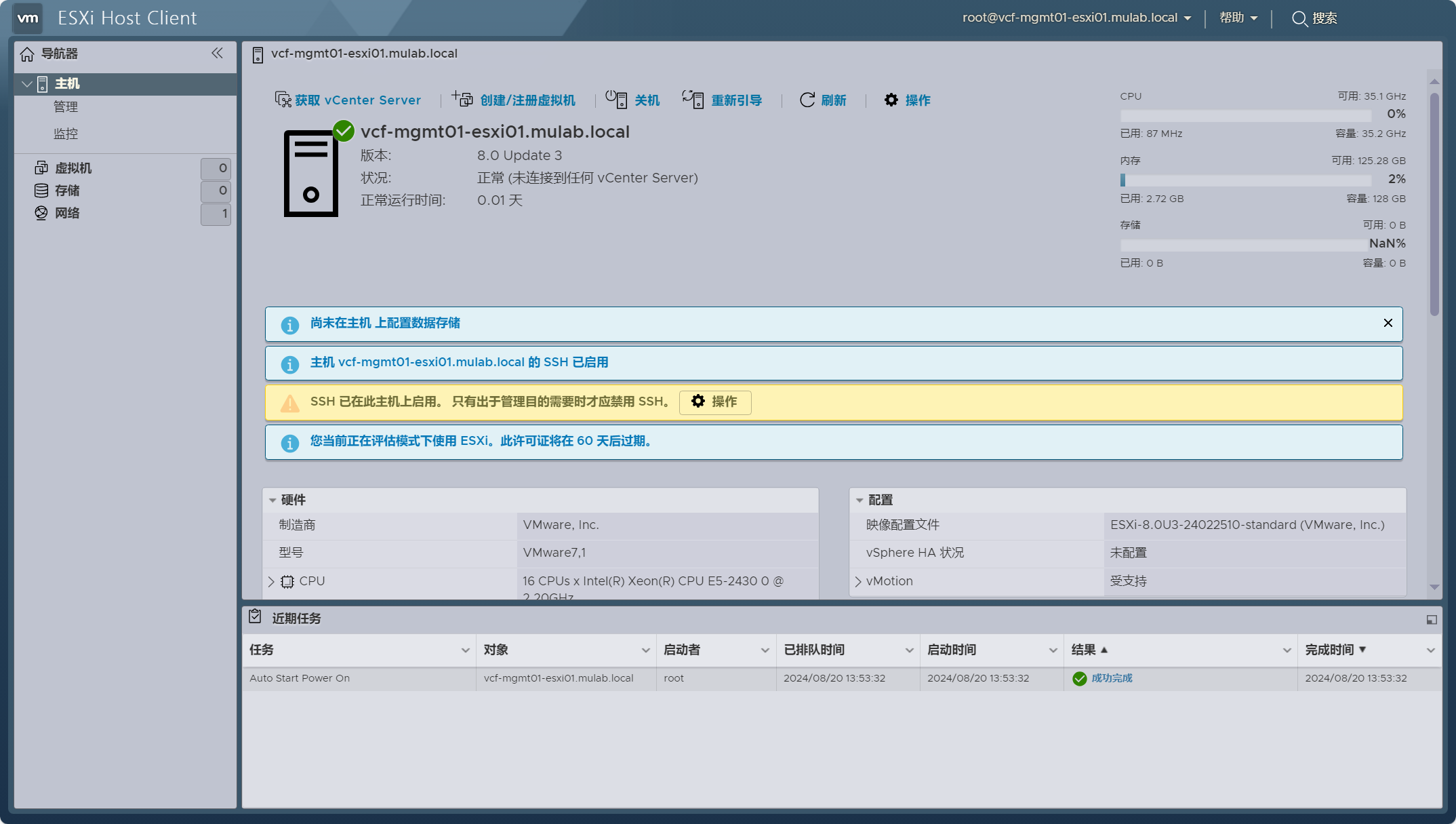
根据 VCF 5.2 BOM 清单要求准备用于部署 VCF 管理域的 ESXi 主机。由于是嵌套虚拟化环境,如果是部署 vSAN ESA 存储架构,请根据实际环境创建自定义 vSAN ESA HCL 文件。更多内容和细节请查看:VMware Cloud Foundation Part 04:准备 ESXi 主机。
3)JSON 配置文件
根据实际环境情况准备用于构建 VCF 管理域的 JSON 配置文件。License 许可证已经过处理,VCF 5.1.1 版本开始在未指定许可证的情况下以评估模式部署后支持 60 天试用期。请注意 SDDC Manager 用户的密码复杂度最低要求提高至 15 位字符。更多内容和细节请查看:VMware Cloud Foundation Part 03:准备 Excel 参数表。
{
    "deployWithoutLicenseKeys": false,
  "skipEsxThumbprintValidation": true,
  "managementPoolName": "vcf-mgmt01-np01",
  "sddcManagerSpec": {
    "secondUserCredentials": {
      "username": "vcf",
      "password": "Vcf520@password"
    },
    "ipAddress": "192.168.32.70",
    "hostname": "vcf-mgmt01-sddc01",
    "rootUserCredentials": {
      "username": "root",
      "password": "Vcf520@password"
    },
    "localUserPassword": "Vcf520@password"
  },
  "sddcId": "vcf-mgmt01",
  "esxLicense": "00000-00000-00000-00000-00000",
  "taskName": "workflowconfig/workflowspec-ems.json",
  "ceipEnabled": false,
  "fipsEnabled": false,
  "ntpServers": ["192.168.32.3"],
  "dnsSpec": {
    "subdomain": "mulab.local",
    "domain": "mulab.local",
    "nameserver": "192.168.32.3"
  },
  "networkSpecs": [
    {
      "networkType": "MANAGEMENT",
      "subnet": "192.168.32.0/24",
      "gateway": "192.168.32.254",
      "vlanId": "0",
      "mtu": "1500",
      "portGroupKey": "vcf-mgmt01-vds01-pg-mgmt",
      "standbyUplinks":[],
      "activeUplinks":[
        "uplink1",
        "uplink2"
      ]
    },
    {
      "networkType": "VMOTION",
      "subnet": "192.168.40.0/24",
      "gateway": "192.168.40.254",
      "vlanId": "40",
      "mtu": "9000",
      "portGroupKey": "vcf-mgmt01-vds01-pg-vmotion",
      "includeIpAddressRanges": [{"endIpAddress": "192.168.40.4", "startIpAddress": "192.168.40.1"}],
      "standbyUplinks":[],
      "activeUplinks":[
        "uplink1",
        "uplink2"
      ]
    },
    {
      "networkType": "VSAN",
      "subnet": "192.168.41.0/24",
      "gateway": "192.168.41.254",
      "vlanId": "41",
      "mtu": "9000",
      "portGroupKey": "vcf-mgmt01-vds02-pg-vsan",
      "includeIpAddressRanges": [{"endIpAddress": "192.168.41.4", "startIpAddress": "192.168.41.1"}],
      "standbyUplinks":[],
      "activeUplinks":[
        "uplink1",
        "uplink2"
      ]
    },
    {
      "networkType": "VM_MANAGEMENT",
      "subnet": "192.168.32.0/24",
      "gateway": "192.168.32.254",
      "vlanId": "0",
      "mtu": "1500",
      "portGroupKey": "vcf-mgmt01-vds01-pg-vm-mgmt",
      "standbyUplinks":[],
      "activeUplinks":[
        "uplink1",
        "uplink2"
      ]
    }
  ],
  "nsxtSpec":
  {
    "nsxtManagerSize": "medium",
    "nsxtManagers": [
      {
          "hostname": "vcf-mgmt01-nsx01a",
          "ip": "192.168.32.67"
      }
    ],
    "rootNsxtManagerPassword": "Vcf520@password",
    "nsxtAdminPassword": "Vcf520@password",
    "nsxtAuditPassword": "Vcf520@password",
    "vip": "192.168.32.66",
    "vipFqdn": "vcf-mgmt01-nsx01",
    "nsxtLicense": "33333-33333-33333-33333-33333",
    "transportVlanId": 42,
	    "ipAddressPoolSpec": {
       "name": "vcf01-mgmt01-tep01",
       "description": "ESXi Host Overlay TEP IP Pool",
       "subnets":[
          {
             "ipAddressPoolRanges":[
                {
                   "start": "192.168.42.1",
                   "end": "192.168.42.8"
                }
             ],
             "cidr": "192.168.42.0/24",
             "gateway": "192.168.42.254"
          }
       ]
    }
  },
  "vsanSpec": {
      "licenseFile": "11111-11111-11111-11111-11111",
      "vsanDedup": "false",
      "esaConfig": {
        "enabled": true
      },
	  "hclFile": "/opt/vmware/bringup/tmp/all.json",
      "datastoreName": "vcf-mgmt01-vsan-esa-datastore01"
  },
  "dvsSpecs": [
    {
      "dvsName": "vcf-mgmt01-vds01",
      "vmnics": [
        "vmnic0",
        "vmnic1"
      ],
      "mtu": 9000,
      "networks":[
        "MANAGEMENT",
        "VMOTION",
        "VM_MANAGEMENT"
      ],
      "niocSpecs":[
        {
          "trafficType":"VSAN",
          "value":"HIGH"
        },
        {
          "trafficType":"VMOTION",
          "value":"LOW"
        },
        {
          "trafficType":"VDP",
          "value":"LOW"
        },
        {
          "trafficType":"VIRTUALMACHINE",
          "value":"HIGH"
        },
        {
          "trafficType":"MANAGEMENT",
          "value":"NORMAL"
        },
        {
          "trafficType":"NFS",
          "value":"LOW"
        },
        {
          "trafficType":"HBR",
          "value":"LOW"
        },
        {
          "trafficType":"FAULTTOLERANCE",
          "value":"LOW"
        },
        {
          "trafficType":"ISCSI",
          "value":"LOW"
        }
      ],
      "nsxtSwitchConfig": {
        "transportZones": [
		{
          "name": "vcf-mgmt01-tz-vlan01",
          "transportType": "VLAN"
        }
        ]
      }
    },
    {
      "dvsName": "vcf-mgmt01-vds02",
      "vmnics": [
        "vmnic2",
        "vmnic3"
      ],
      "mtu": 9000,
      "networks":[
        "VSAN"
      ],
      "nsxtSwitchConfig": {
        "transportZones": [ {
          "name": "vcf-mgmt01-tz-overlay01",
          "transportType": "OVERLAY"
        },
        {
          "name": "vcf-mgmt01-tz-vlan02",
          "transportType": "VLAN"
        }
        ]
      }
    }
  ],
  "clusterSpec":
  {
    "clusterName": "vcf-mgmt01-cluster01",
    "clusterEvcMode": "",
    "clusterImageEnabled": true,
    "vmFolders": {
      "MANAGEMENT": "vcf-mgmt01-fd-mgmt",
      "NETWORKING": "vcf-mgmt01-fd-nsx",
      "EDGENODES": "vcf-mgmt01-fd-edge"
    },
    "resourcePoolSpecs": [{
      "name": "vcf-mgmt01-cluster01-rp-sddc-mgmt",
      "type": "management",
      "cpuReservationPercentage": 0,
      "cpuLimit": -1,
      "cpuReservationExpandable": true,
      "cpuSharesLevel": "normal",
      "cpuSharesValue": 0,
      "memoryReservationMb": 0,
      "memoryLimit": -1,
      "memoryReservationExpandable": true,
      "memorySharesLevel": "normal",
      "memorySharesValue": 0
    }, {
      "name": "vcf-mgmt01-cluster01-rp-sddc-edge",
      "type": "network",
      "cpuReservationPercentage": 0,
      "cpuLimit": -1,
      "cpuReservationExpandable": true,
      "cpuSharesLevel": "normal",
      "cpuSharesValue": 0,
      "memoryReservationPercentage": 0,
      "memoryLimit": -1,
      "memoryReservationExpandable": true,
      "memorySharesLevel": "normal",
      "memorySharesValue": 0
    }, {
      "name": "vcf-mgmt01-cluster01-rp-user-edge",
      "type": "compute",
      "cpuReservationPercentage": 0,
      "cpuLimit": -1,
      "cpuReservationExpandable": true,
      "cpuSharesLevel": "normal",
      "cpuSharesValue": 0,
      "memoryReservationPercentage": 0,
      "memoryLimit": -1,
      "memoryReservationExpandable": true,
      "memorySharesLevel": "normal",
      "memorySharesValue": 0
    }, {
      "name": "vcf-mgmt01-cluster01-rp-user-vm",
      "type": "compute",
      "cpuReservationPercentage": 0,
      "cpuLimit": -1,
      "cpuReservationExpandable": true,
      "cpuSharesLevel": "normal",
      "cpuSharesValue": 0,
      "memoryReservationPercentage": 0,
      "memoryLimit": -1,
      "memoryReservationExpandable": true,
      "memorySharesLevel": "normal",
      "memorySharesValue": 0
    }]
  },
  "pscSpecs": [
    {
      "adminUserSsoPassword": "Vcf520@password",
      "pscSsoSpec": {
        "ssoDomain": "vsphere.local"
      }
    }
  ],
  "vcenterSpec": {
      "vcenterIp": "192.168.32.65",
      "vcenterHostname": "vcf-mgmt01-vcsa01",
      "licenseFile": "22222-22222-22222-22222-22222",
      "vmSize": "small",
      "storageSize": "",
      "rootVcenterPassword": "Vcf520@password"
  },
  "hostSpecs": [
    {
      "association": "vcf-mgmt01-datacenter01",
      "ipAddressPrivate": {
        "ipAddress": "192.168.32.61"
      },
      "hostname": "vcf-mgmt01-esxi01",
      "credentials": {
        "username": "root",
        "password": "Vcf5@password"
      },
      "vSwitch": "vSwitch0"
    },
    {
      "association": "vcf-mgmt01-datacenter01",
      "ipAddressPrivate": {
        "ipAddress": "192.168.32.62"
      },
      "hostname": "vcf-mgmt01-esxi02",
      "credentials": {
        "username": "root",
        "password": "Vcf5@password"
      },
      "vSwitch": "vSwitch0"
    },
    {
      "association": "vcf-mgmt01-datacenter01",
      "ipAddressPrivate": {
        "ipAddress": "192.168.32.63"
      },
      "hostname": "vcf-mgmt01-esxi03",
      "credentials": {
        "username": "root",
        "password": "Vcf5@password"
      },
      "vSwitch": "vSwitch0"
    },
    {
      "association": "vcf-mgmt01-datacenter01",
      "ipAddressPrivate": {
        "ipAddress": "192.168.32.64"
      },
      "hostname": "vcf-mgmt01-esxi04",
      "credentials": {
        "username": "root",
        "password": "Vcf5@password"
      },
      "vSwitch": "vSwitch0"
    }
  ]
}
4)Cloud Builder
安装 VMware Cloud Builder 工具,用于部署 VMware Cloud Foundation 的第一个初始工作负载域(管理域),请注意 Cloud Builder 用户的密码复杂度最低要求提高至 15 位字符。更多内容和细节请查看:VMware Cloud Foundation Part 02:部署 Cloud Builder。
如果环境一切准备就绪,可以开始 VCF 的构建过程。登录到部署工具 VMware Cloud Builder UI。

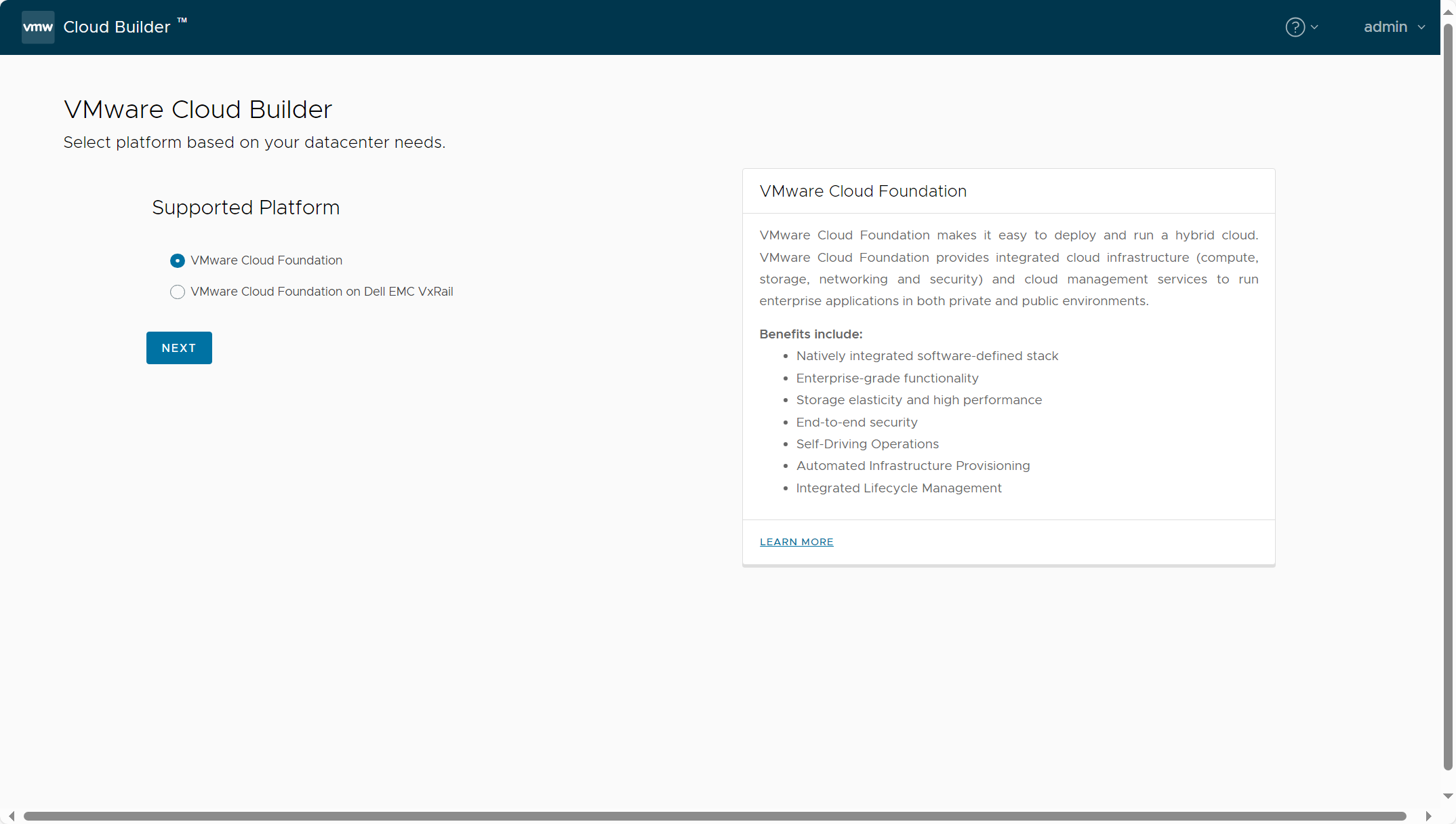
选择 VMware Cloud Foundation。
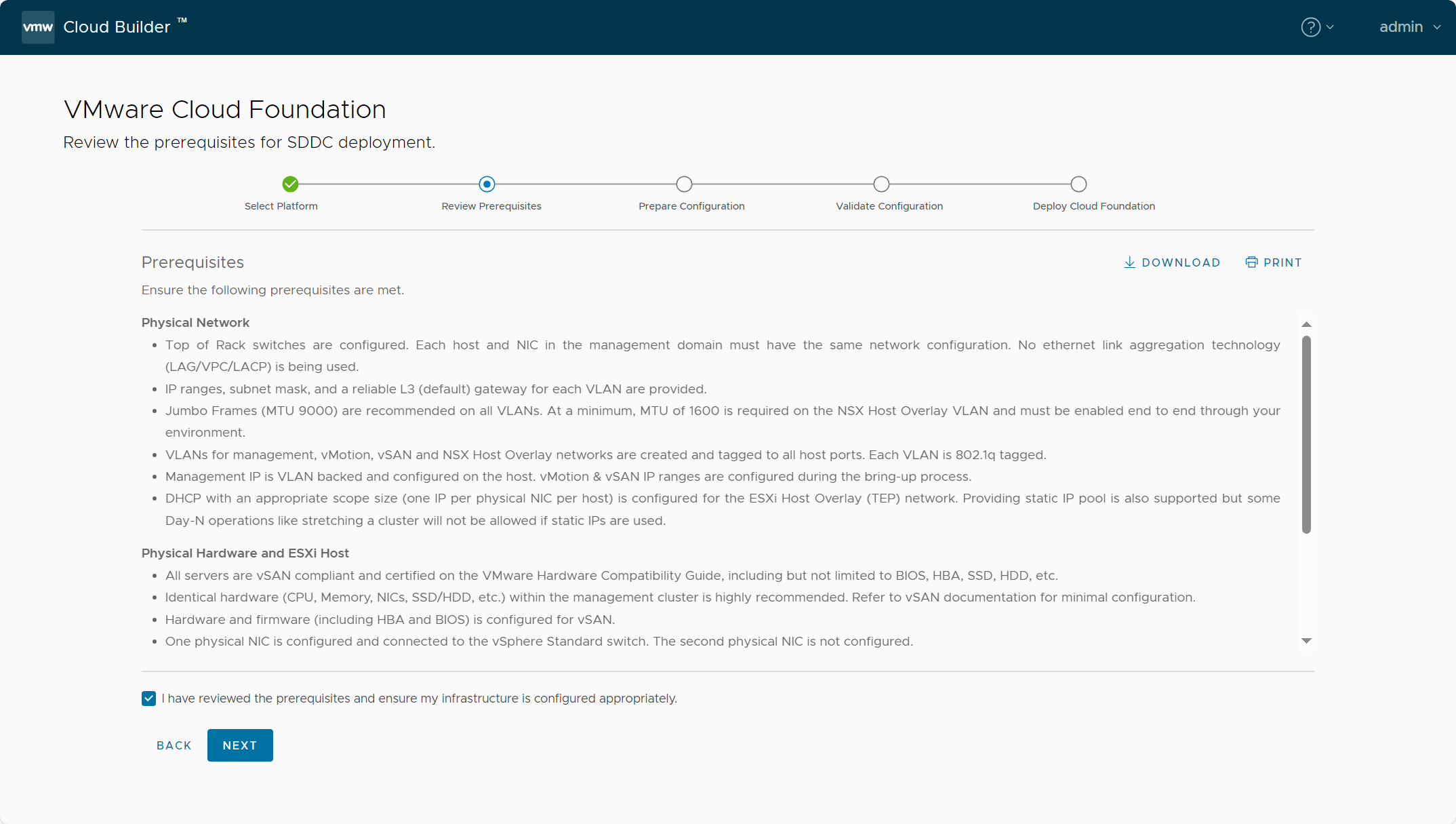
已知晓并点击 NEXT。
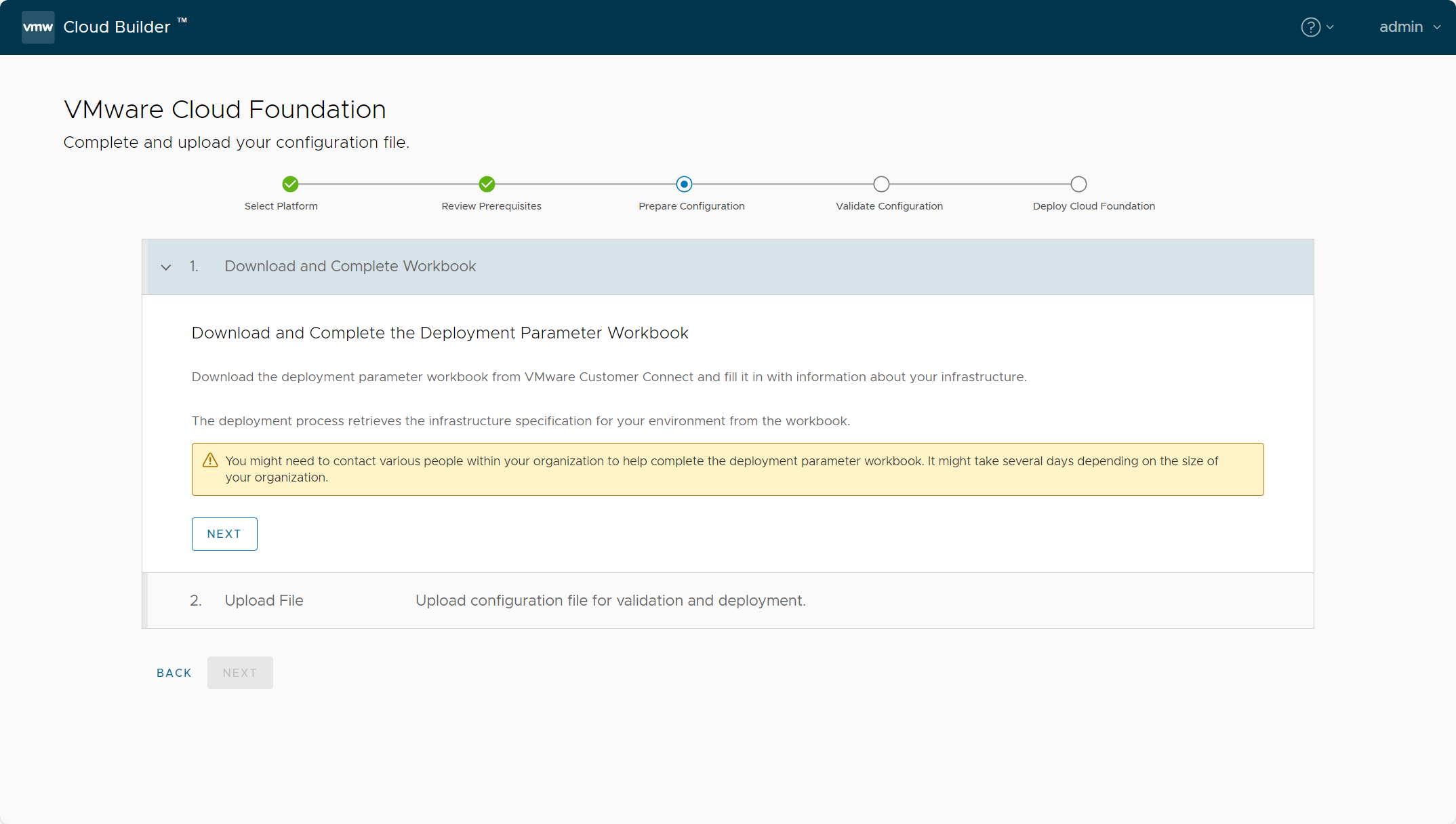
已完成并点击 NEXT。
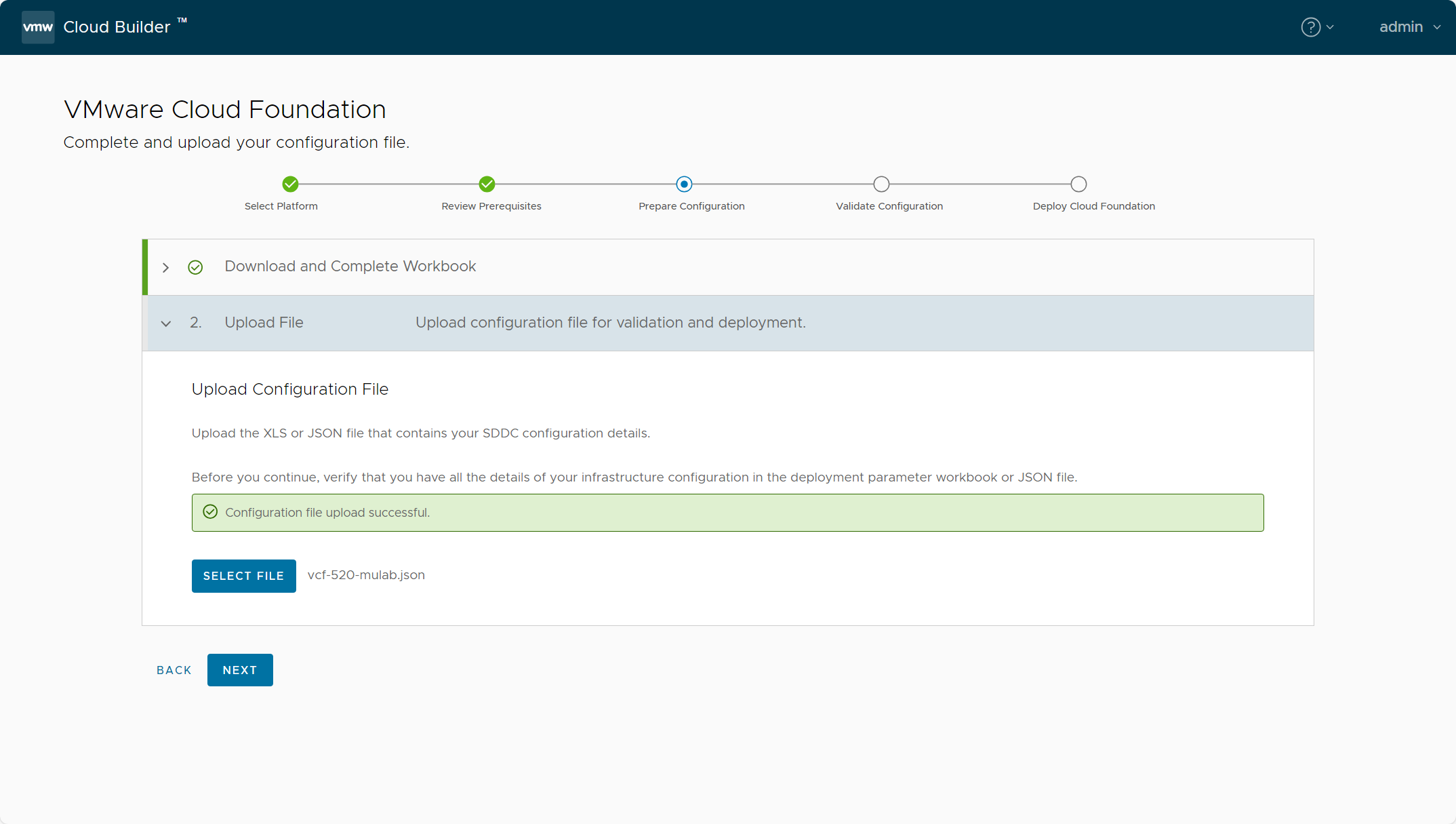
上传本地 JSON 配置文件。
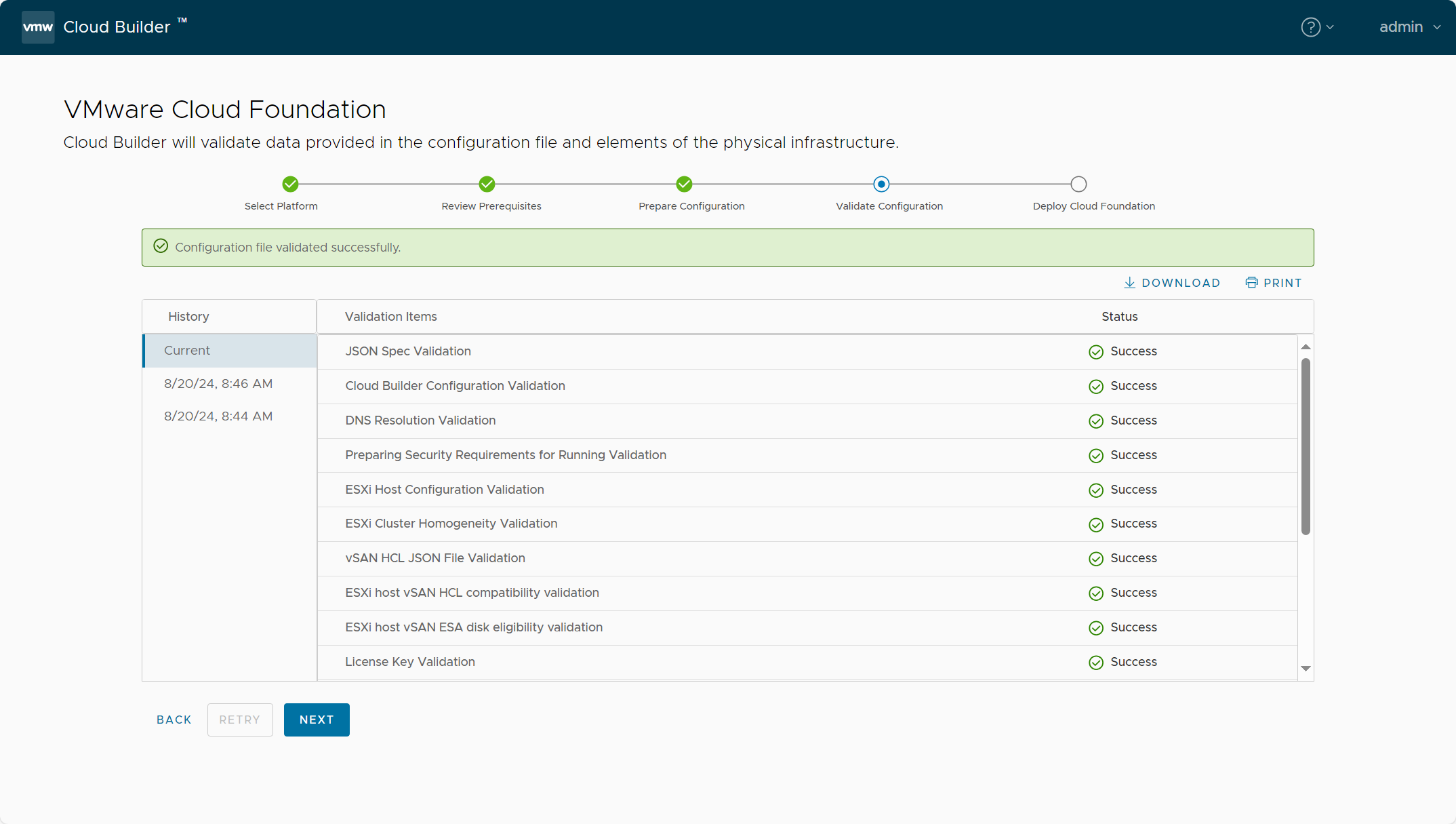
验证配置文件与部署环境。
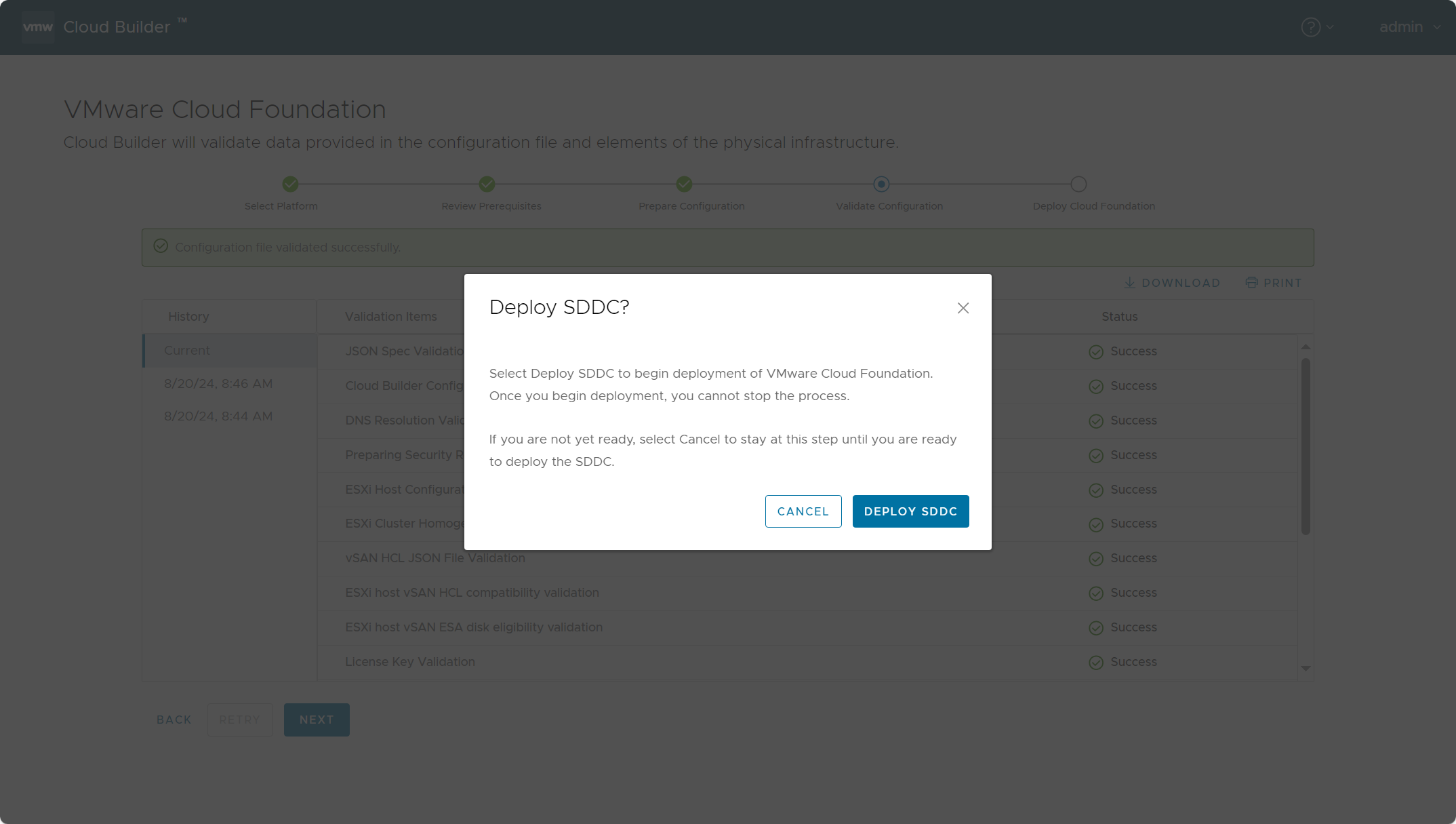
点击确定部署 SDDC。
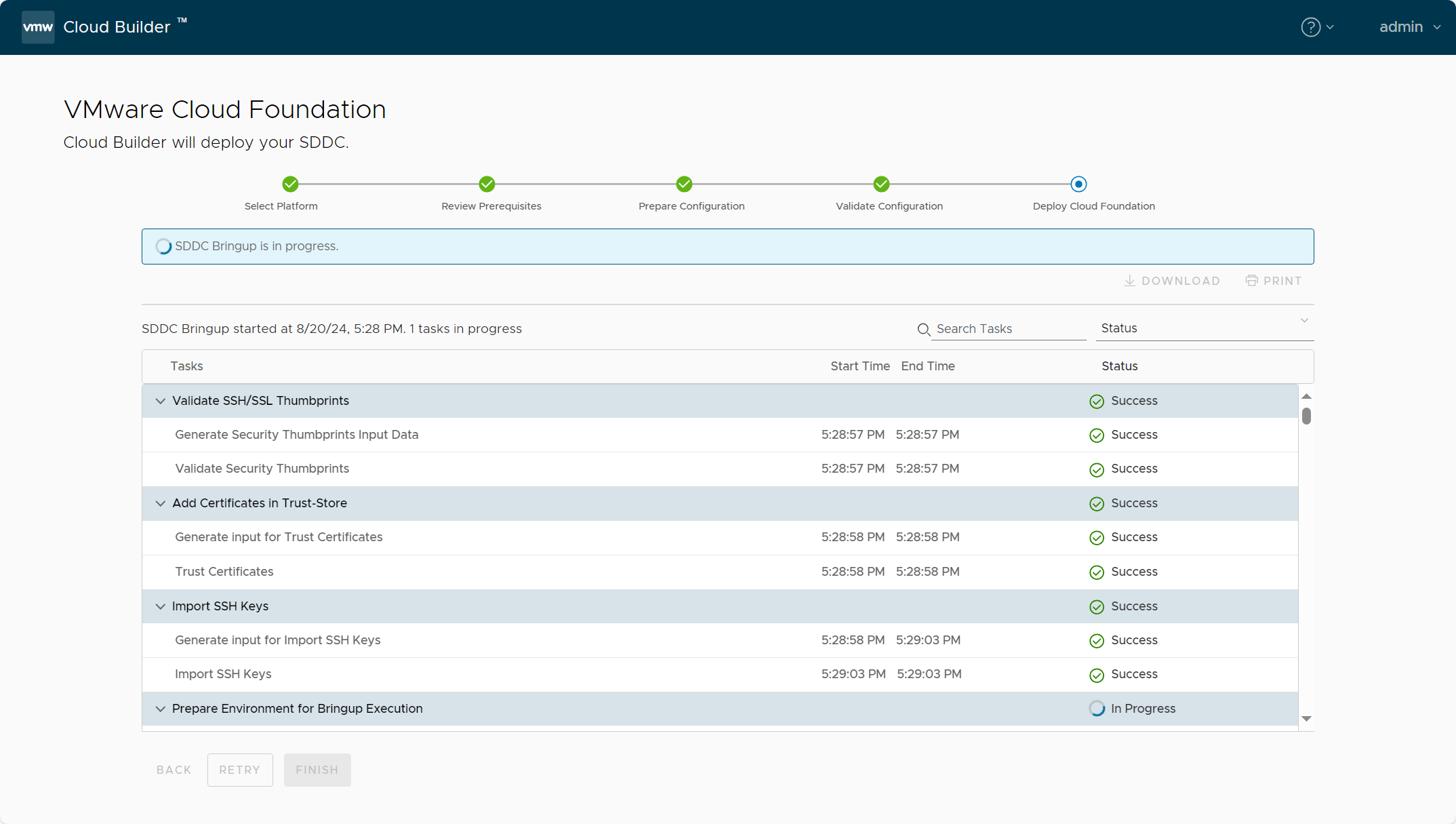
开始构建过程(Bring-up)。
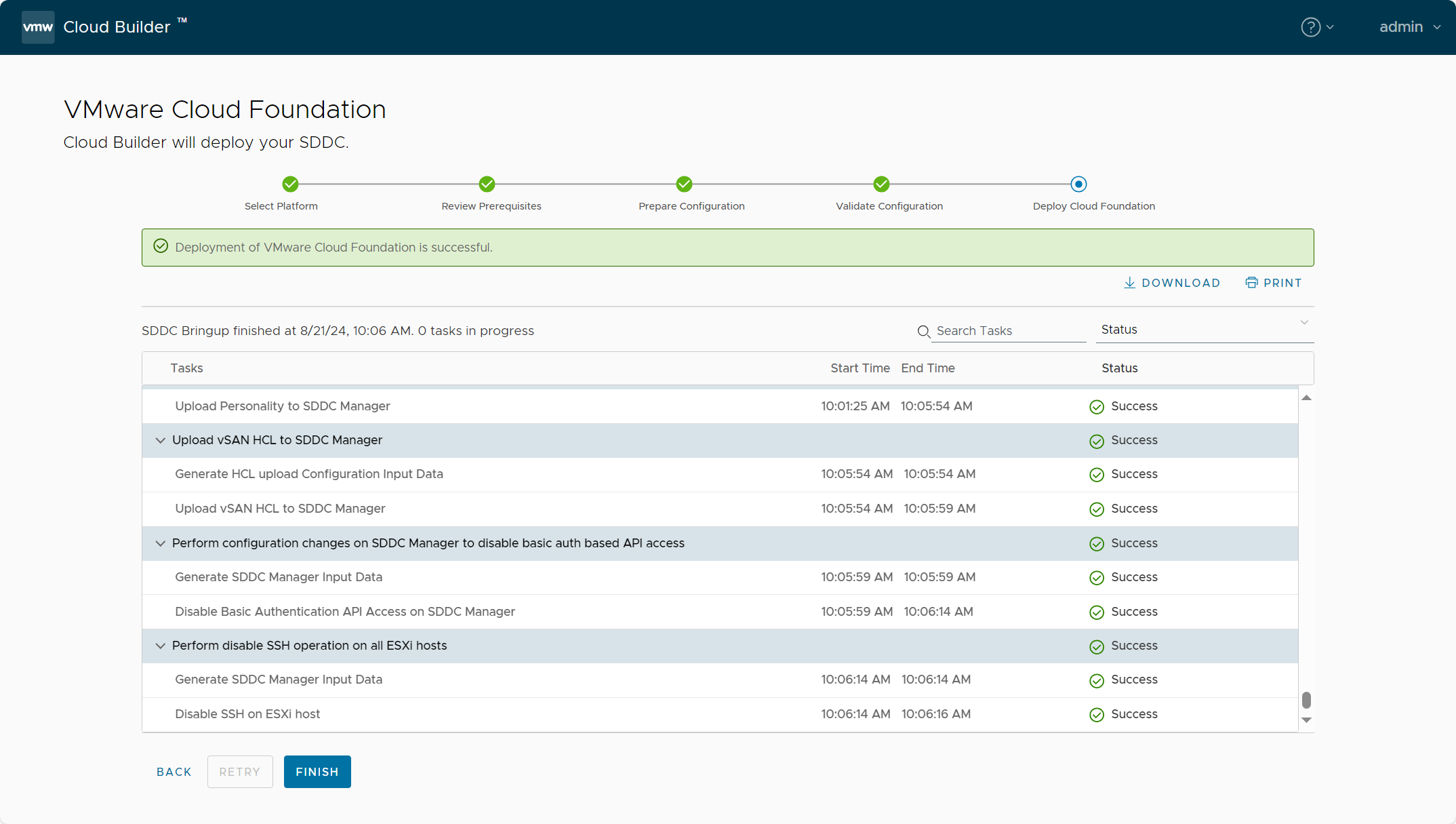
部署成功。如果遇到 NSX Manager 因为 CPU 负载过高导致任务失败,可以多重试(RETRY)几次应该就好了。
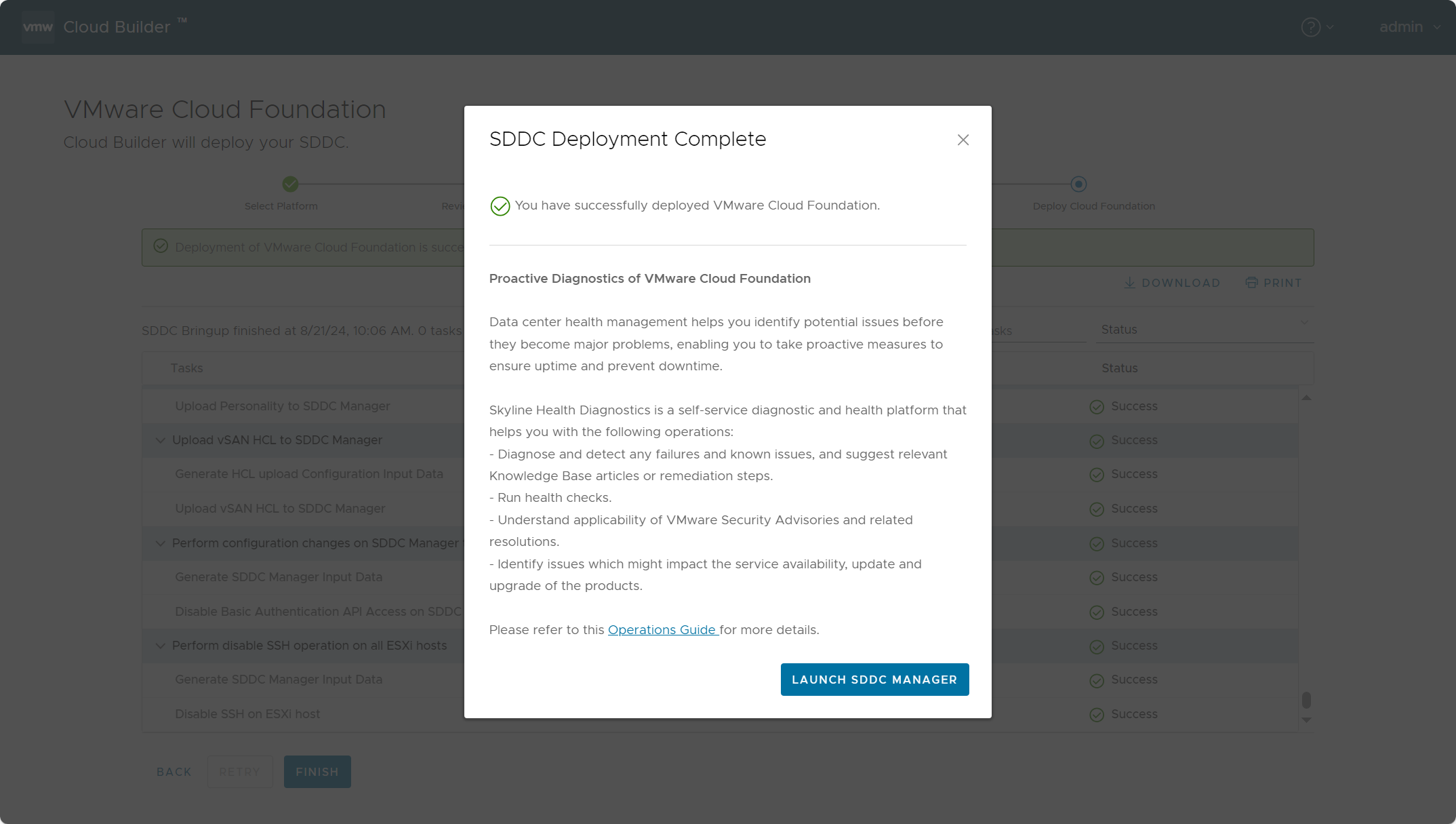
点击登录 SDDC Manager。
已成功部署 VCF 5.2 。
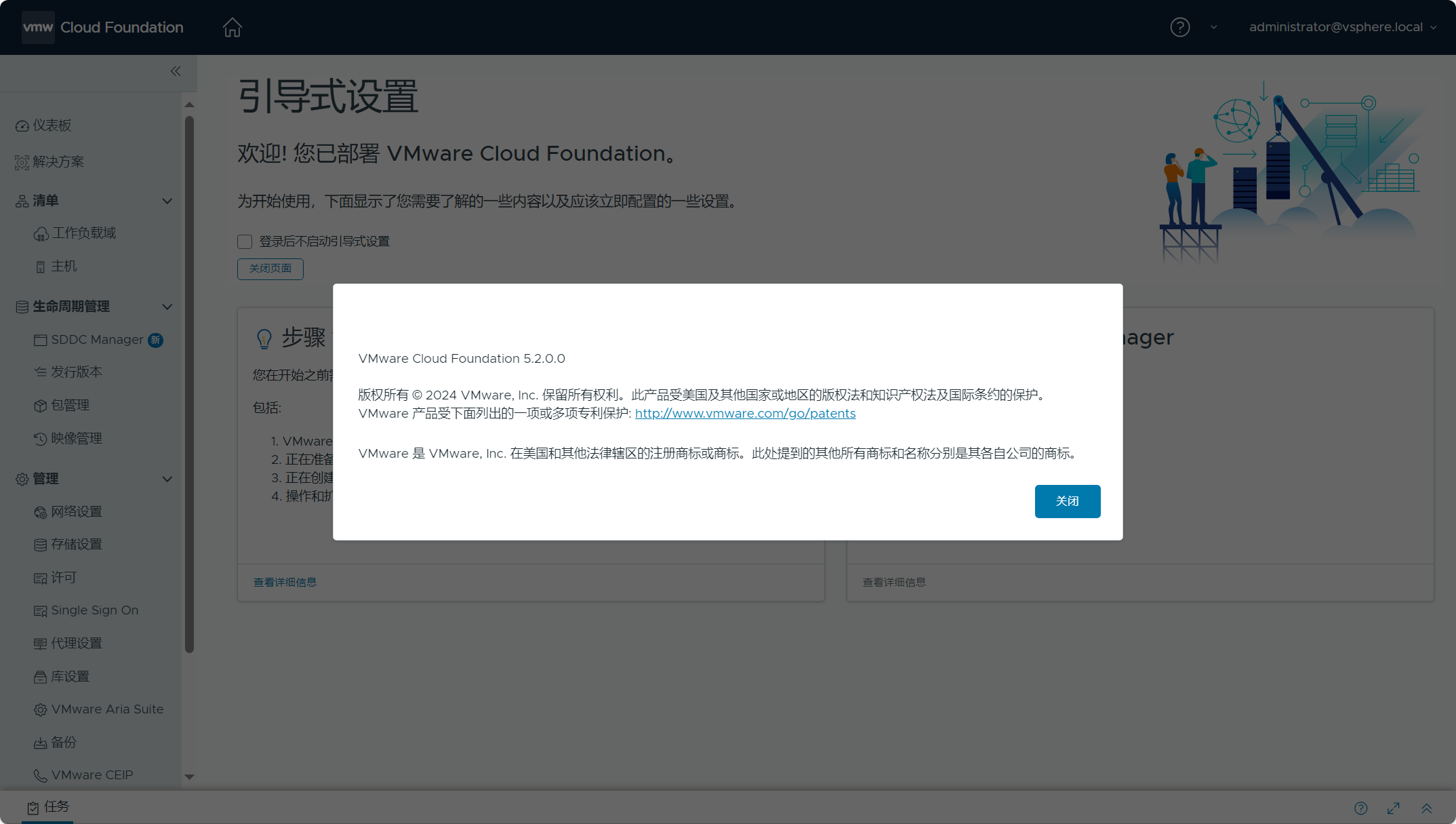
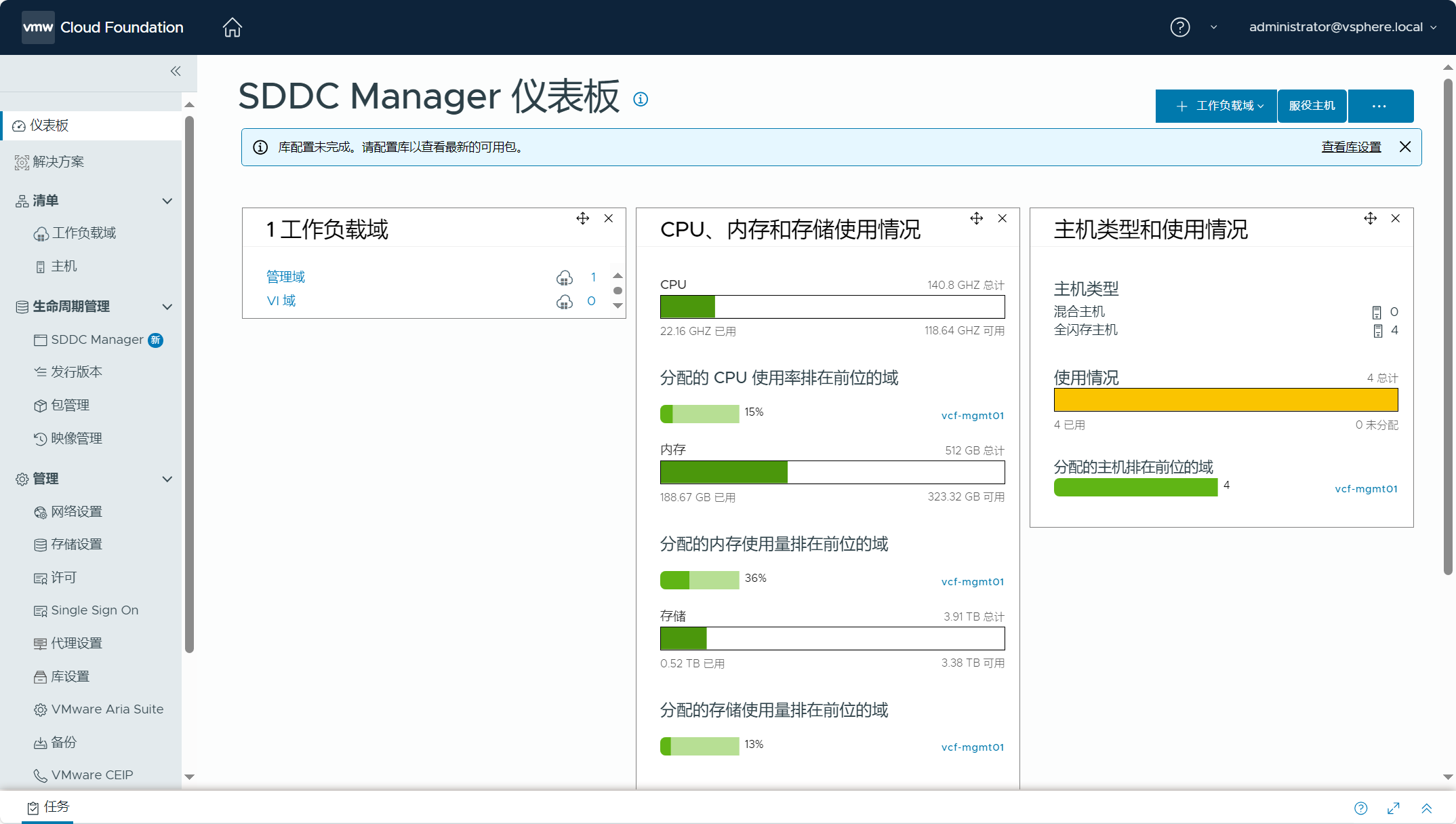
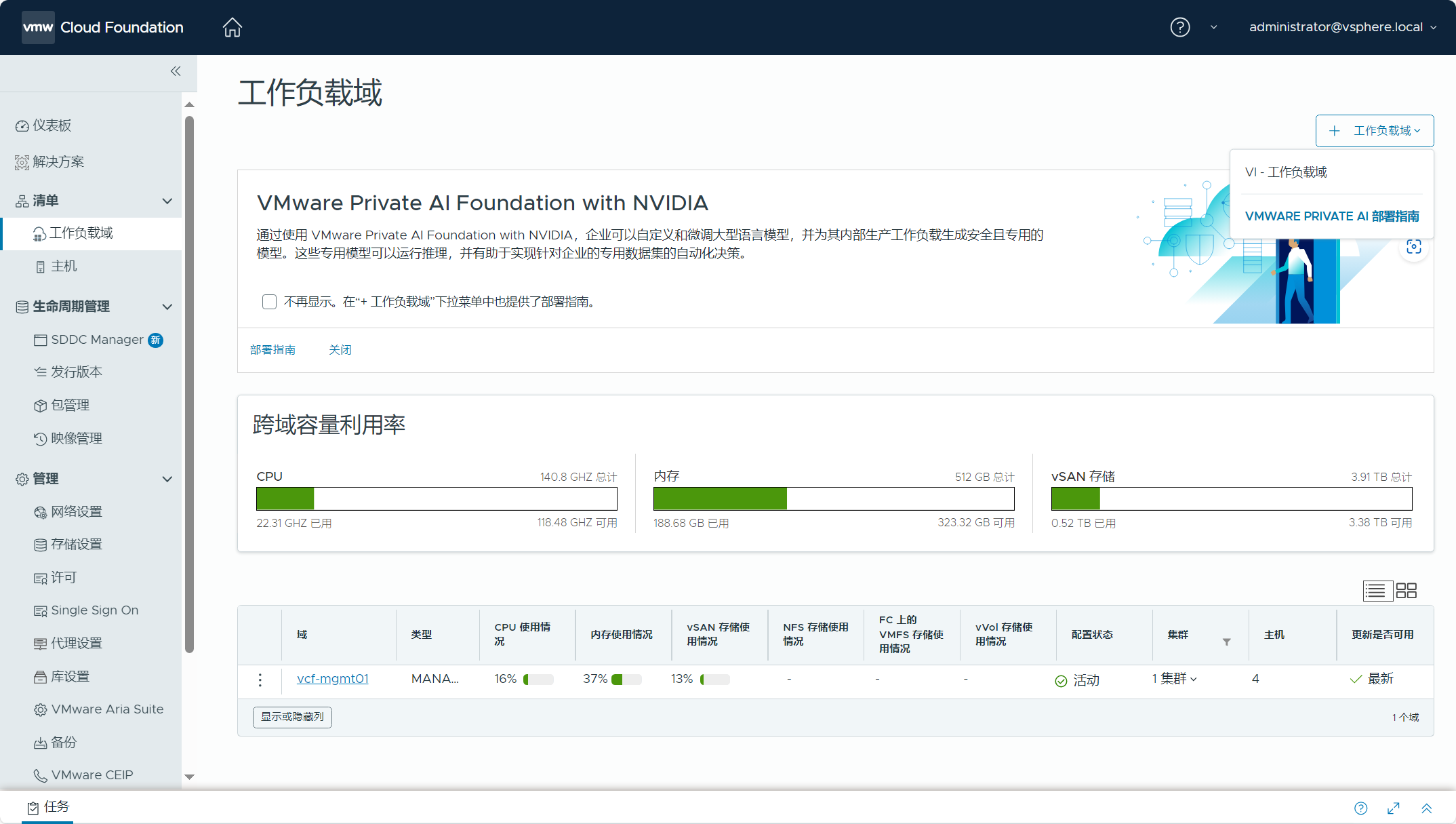
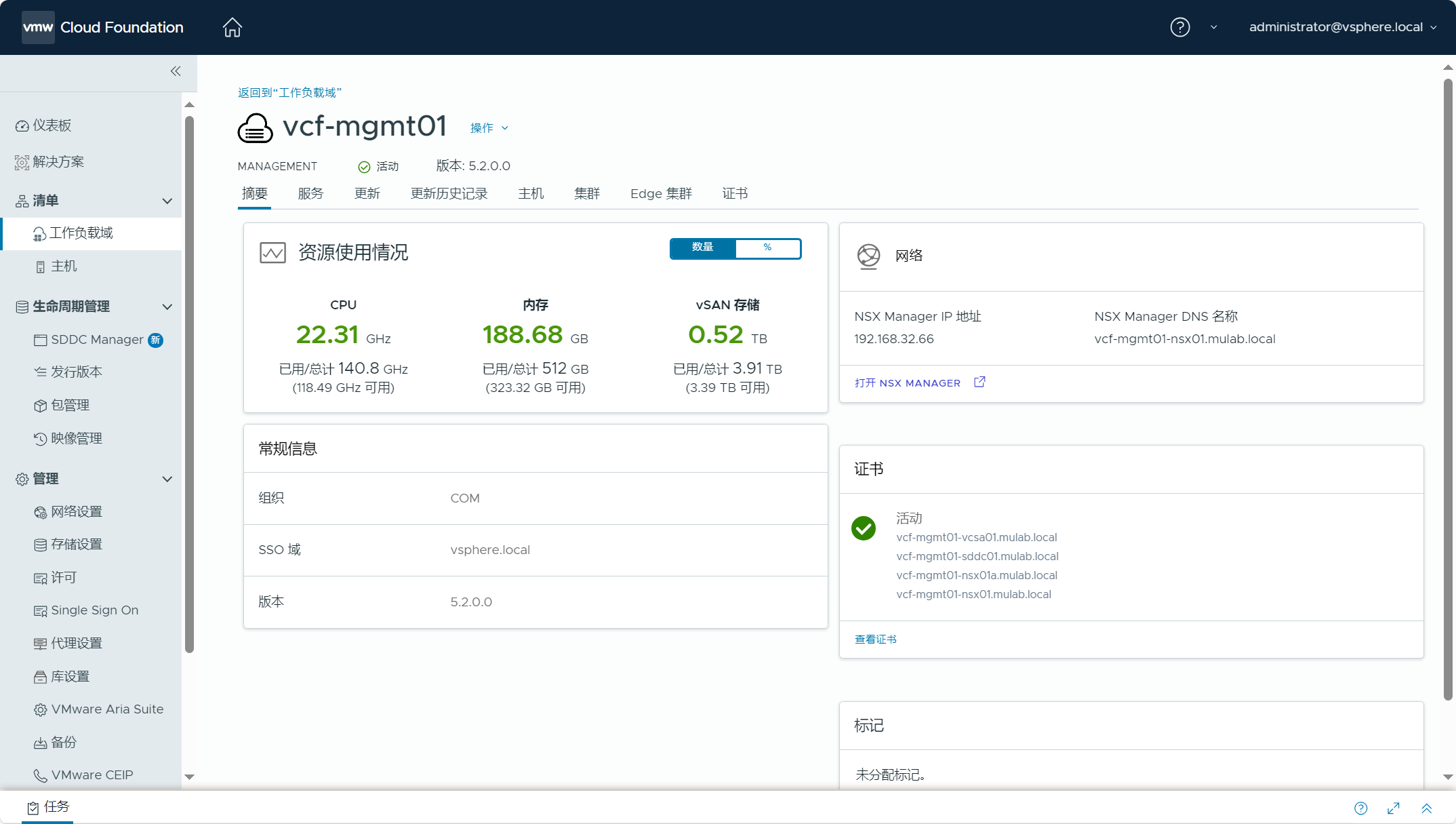
1)SDDC Manager
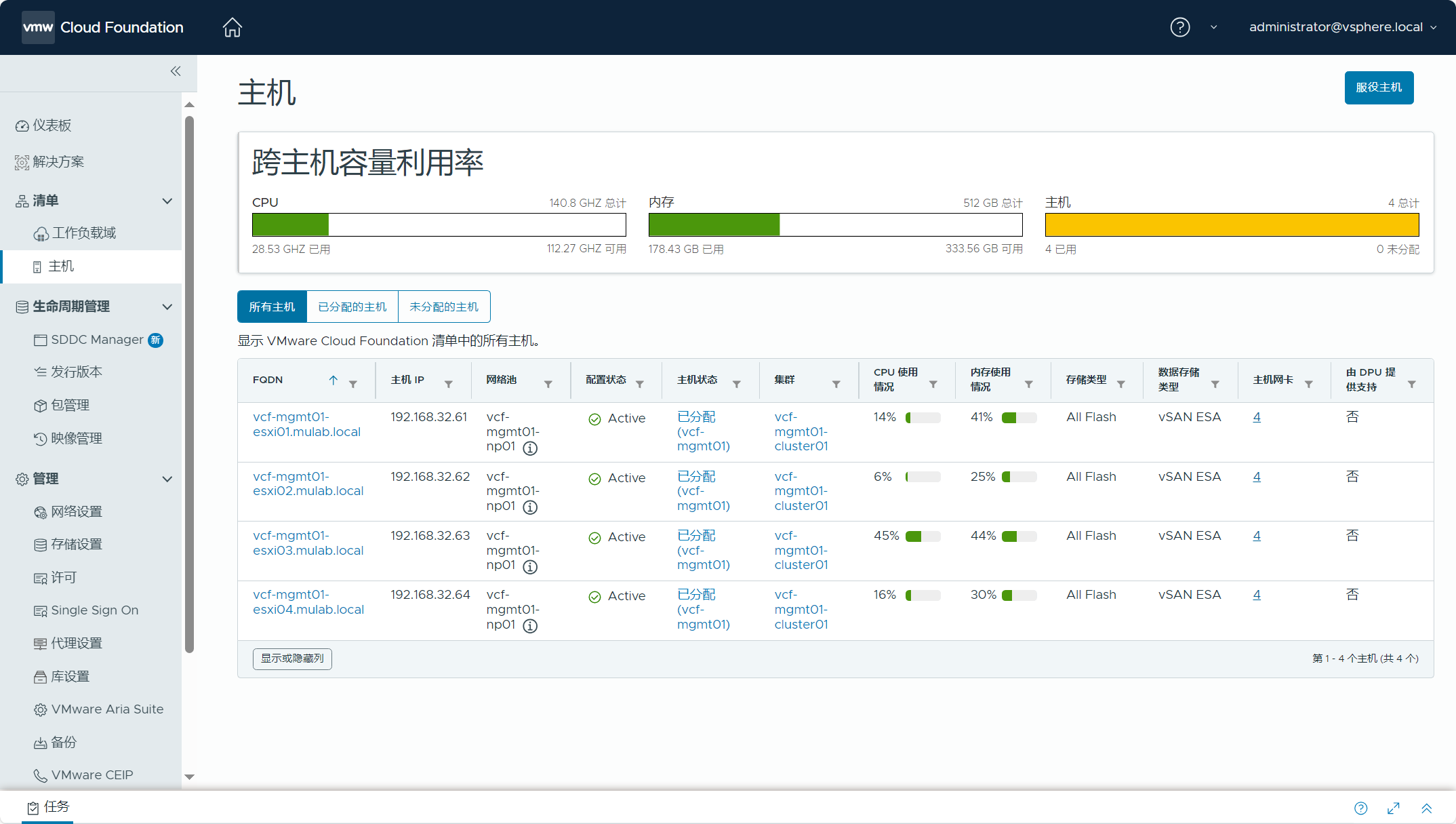
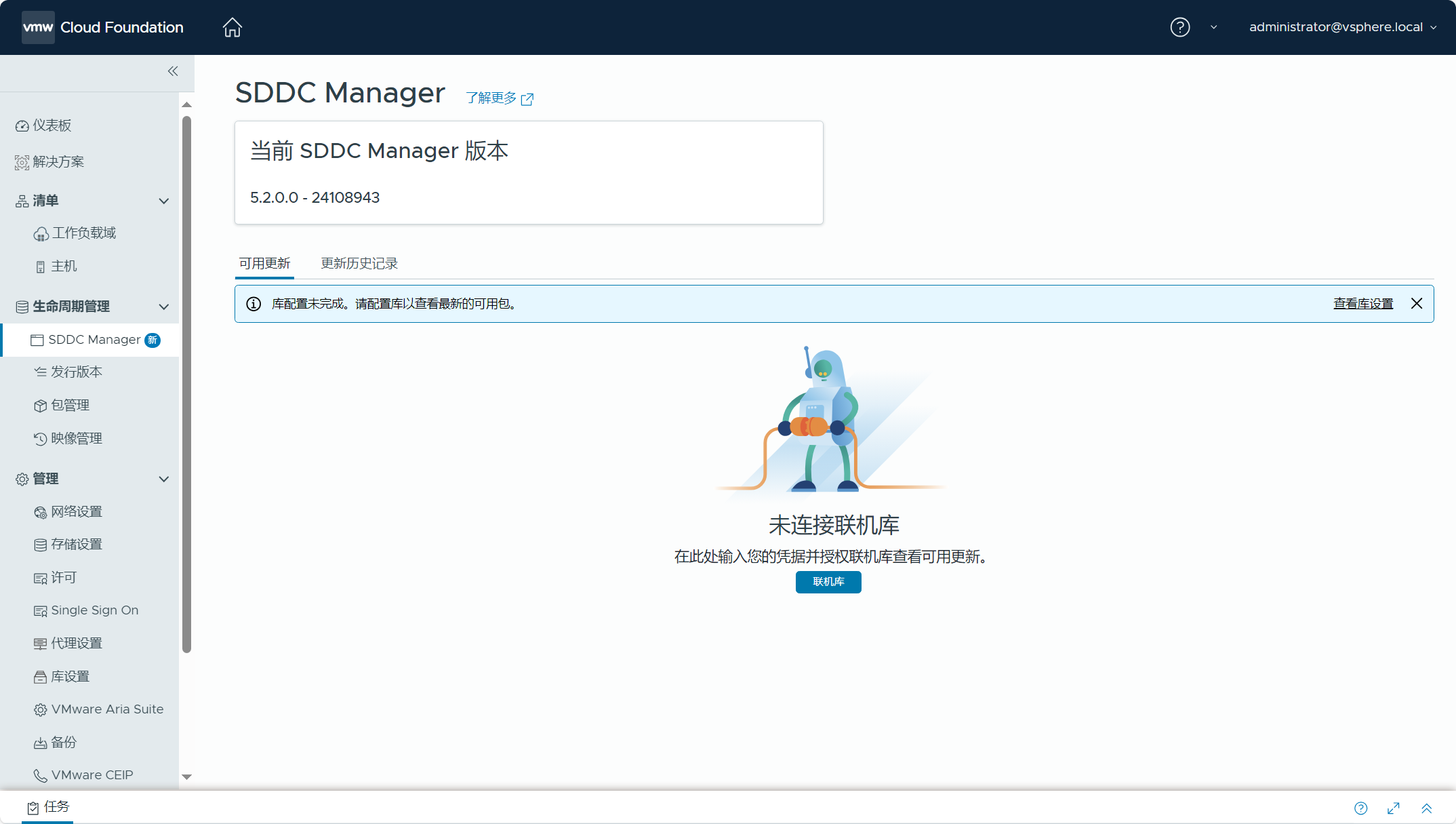
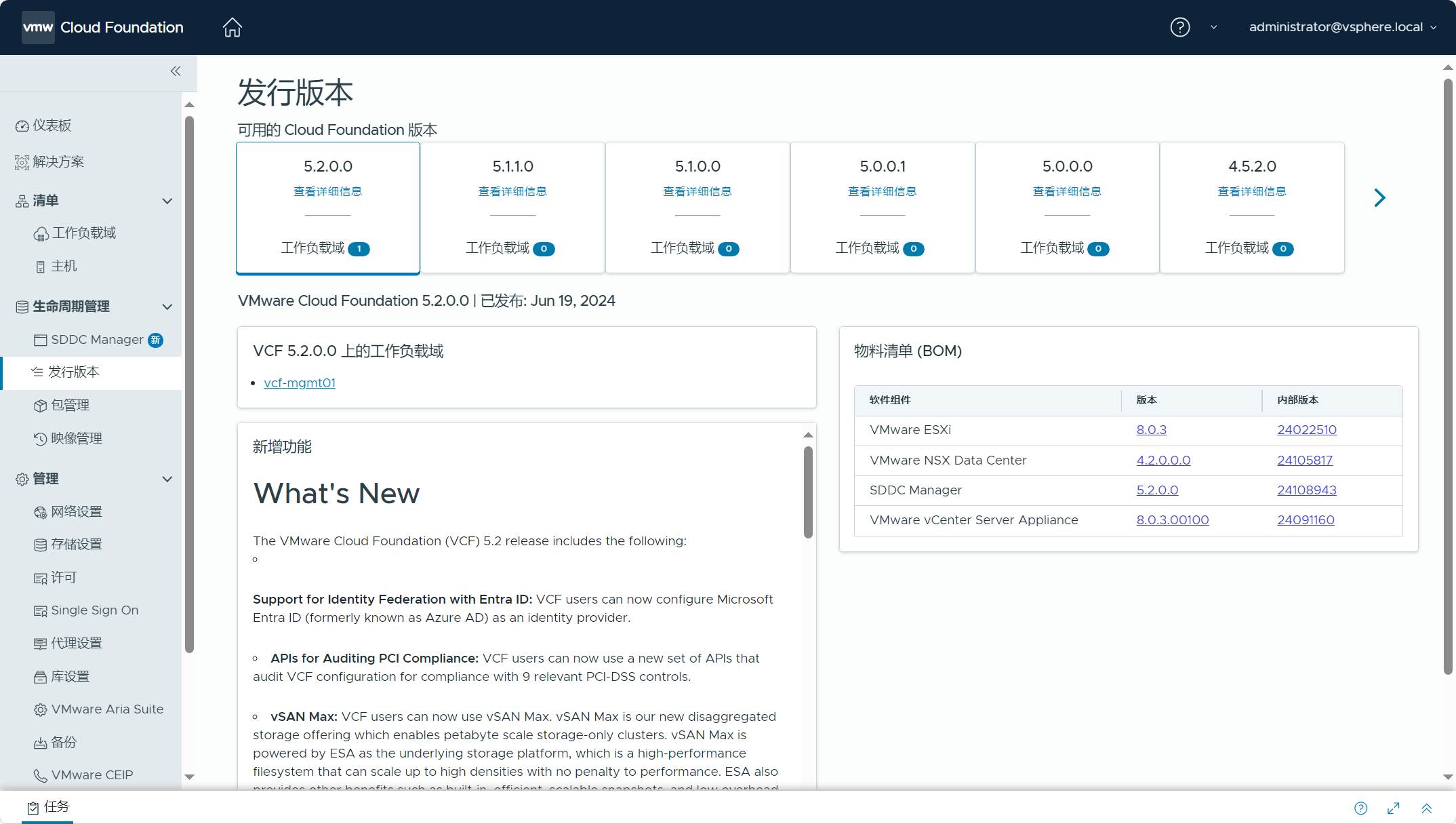
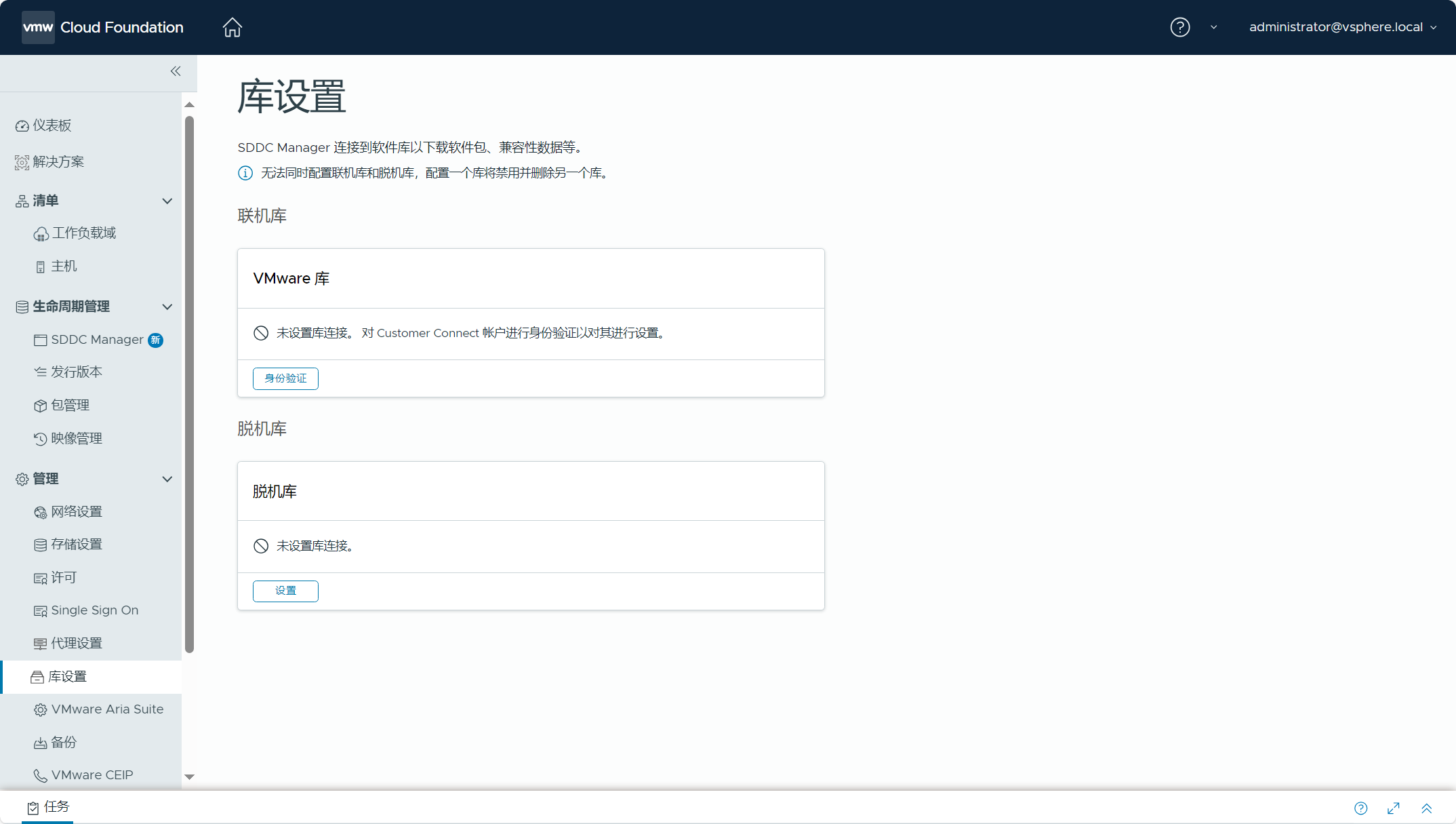
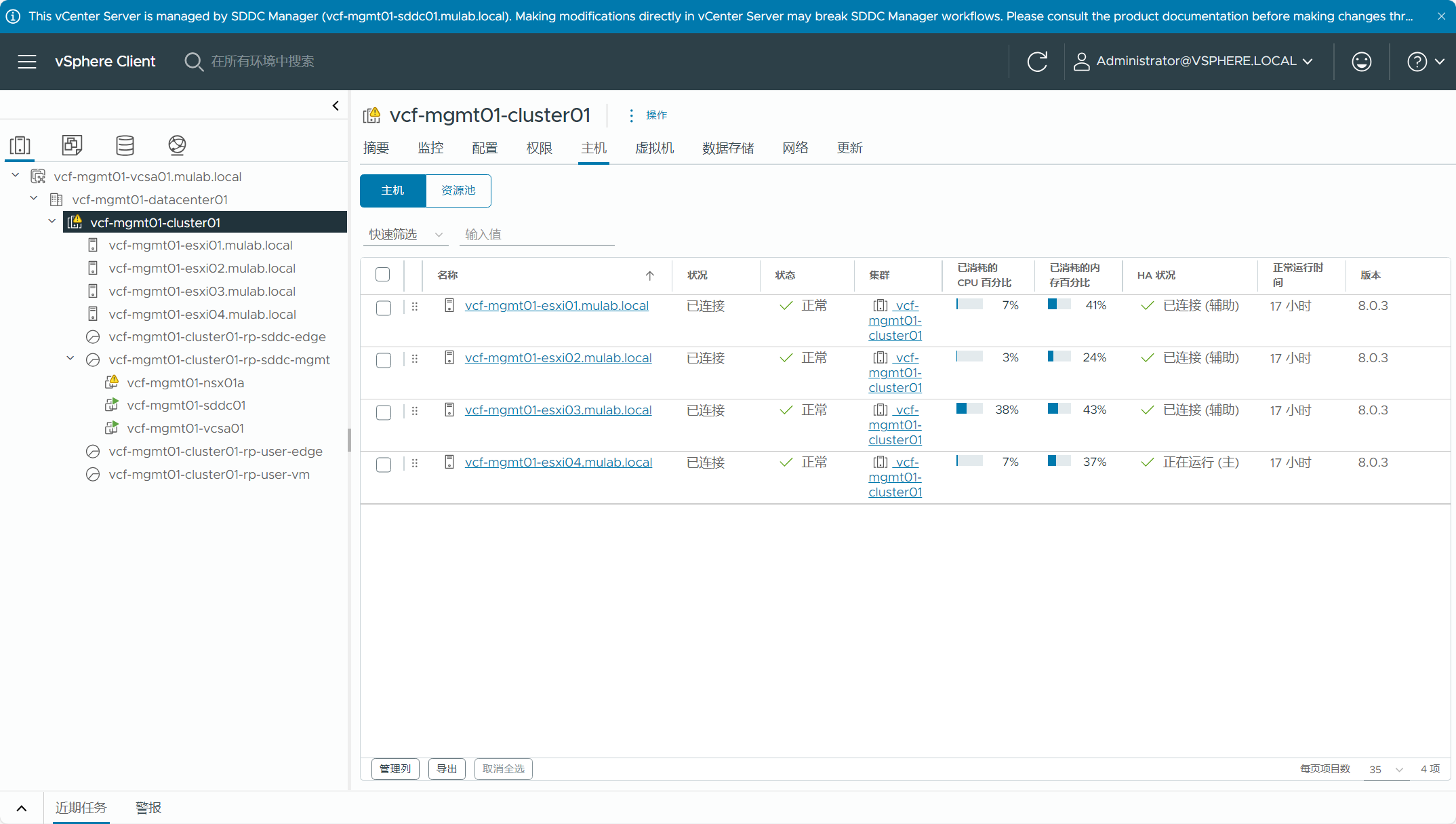
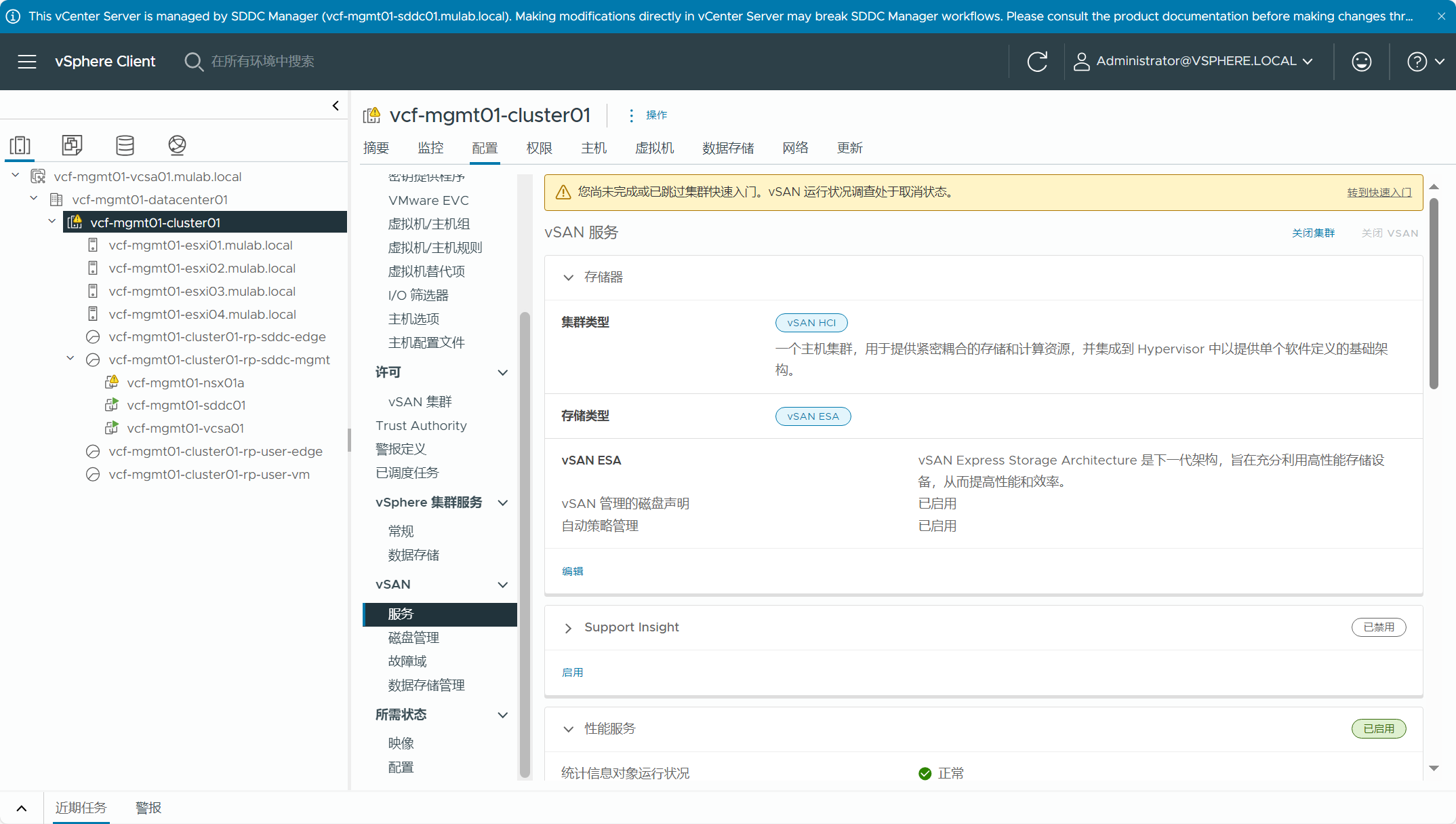
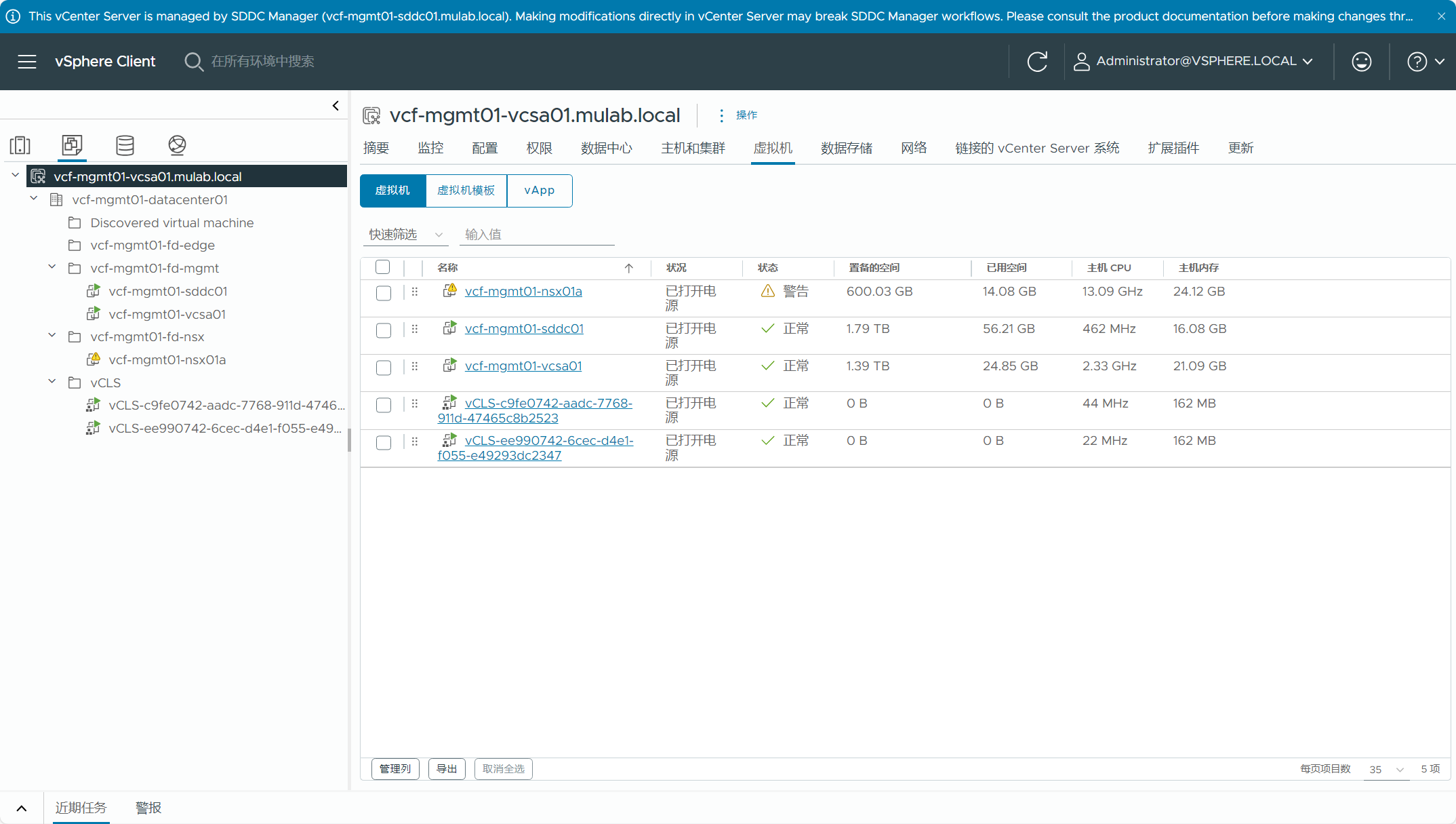
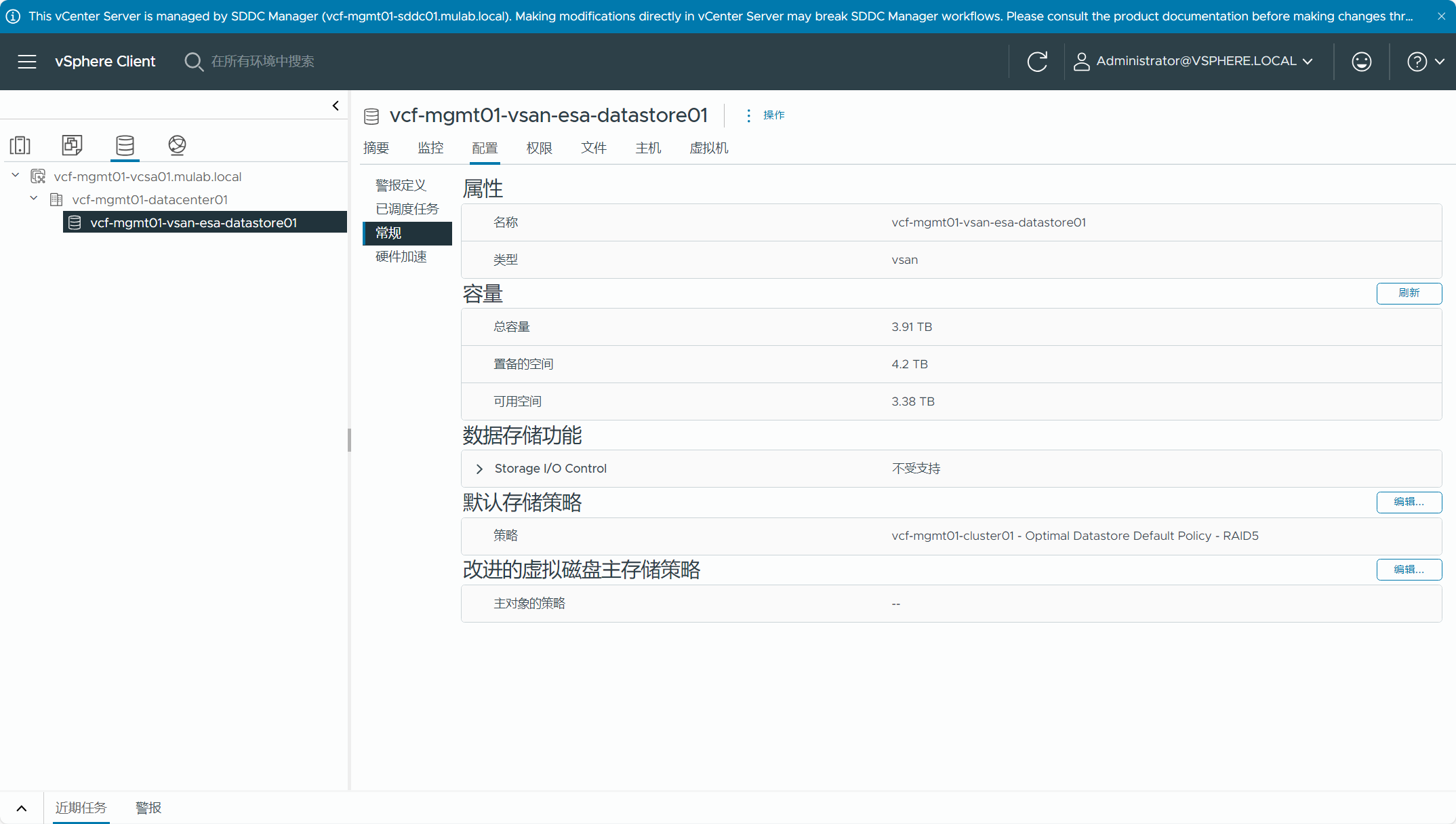
2)vCenter Server
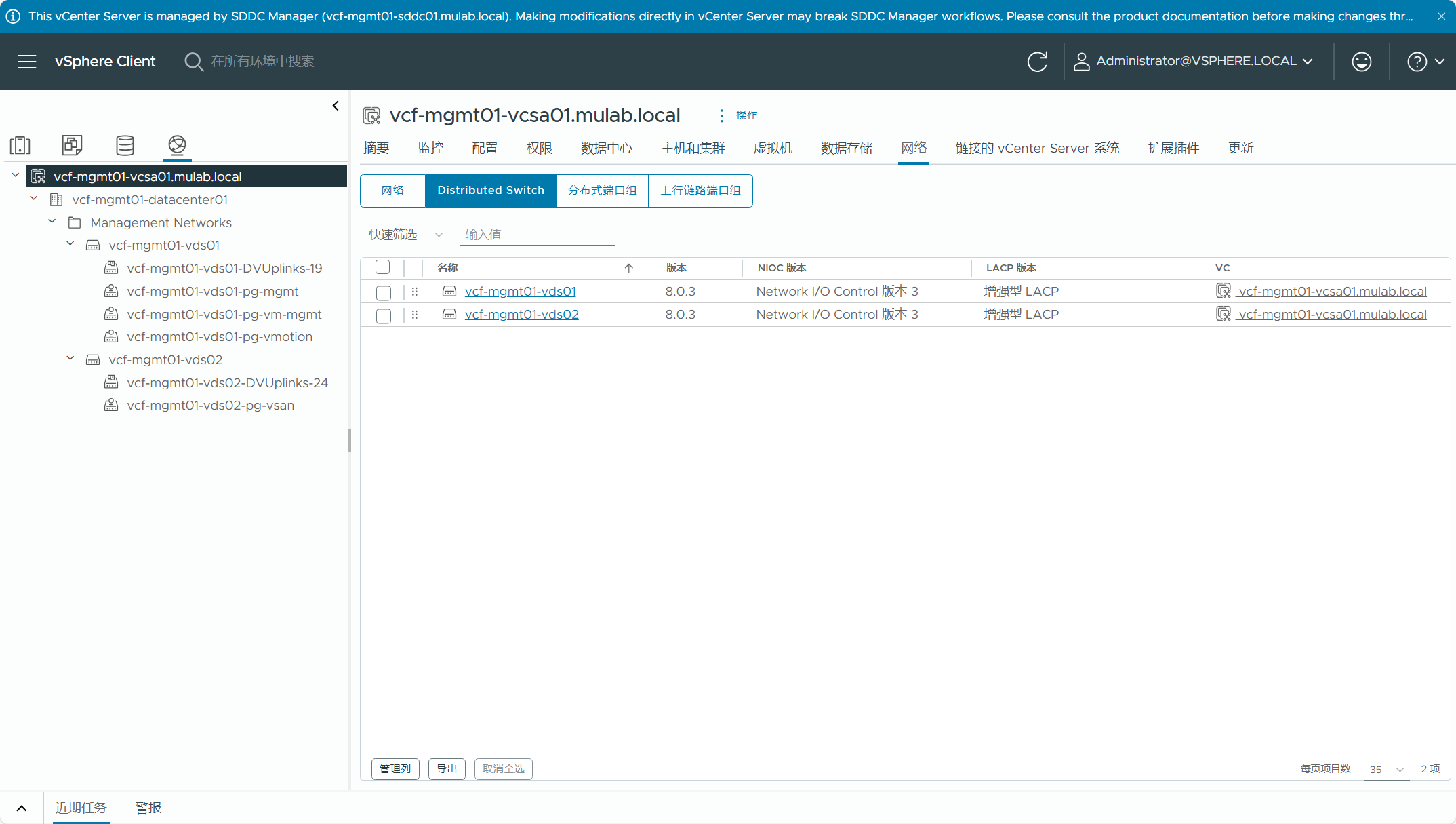
3)NSX Manager
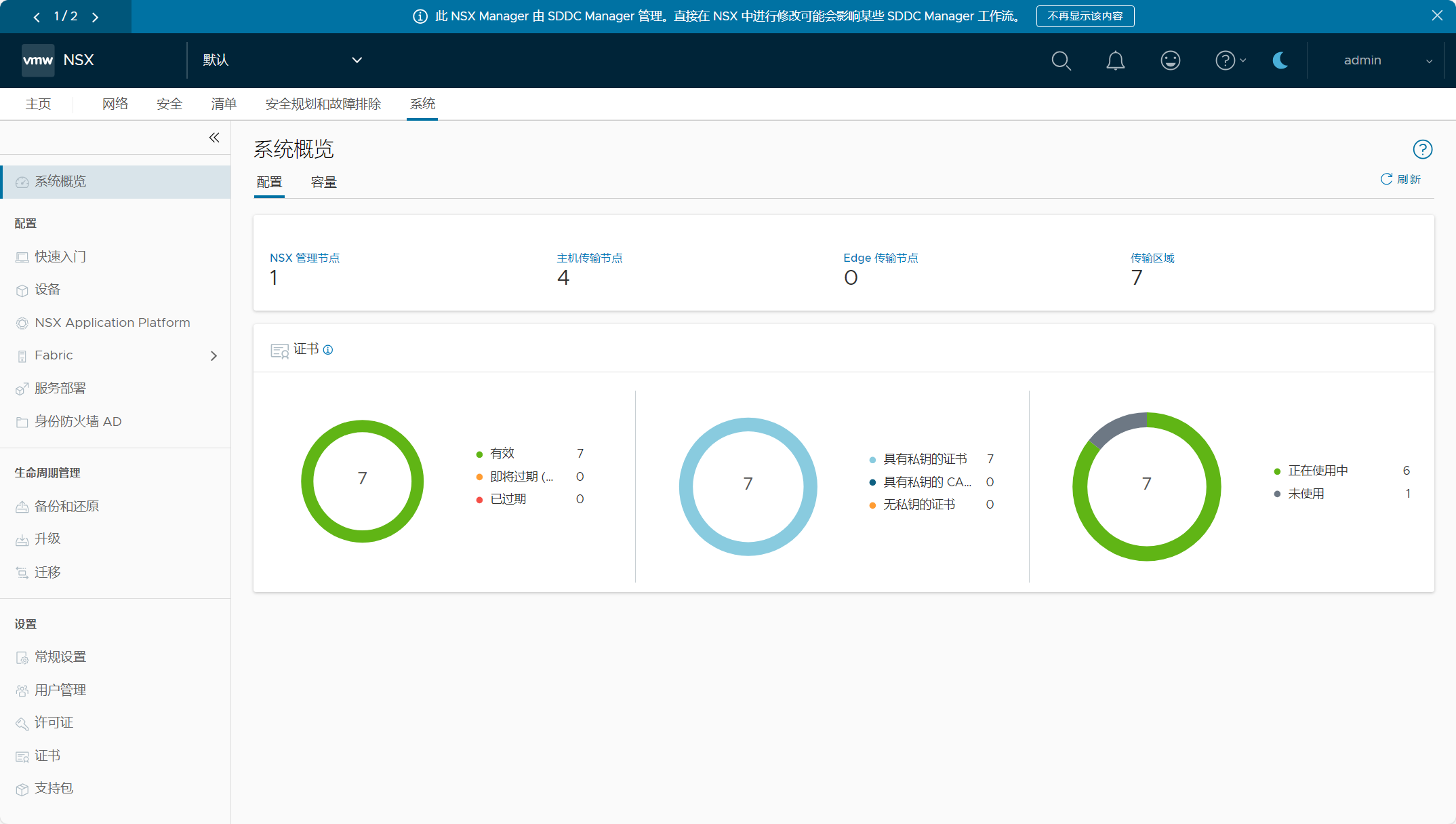
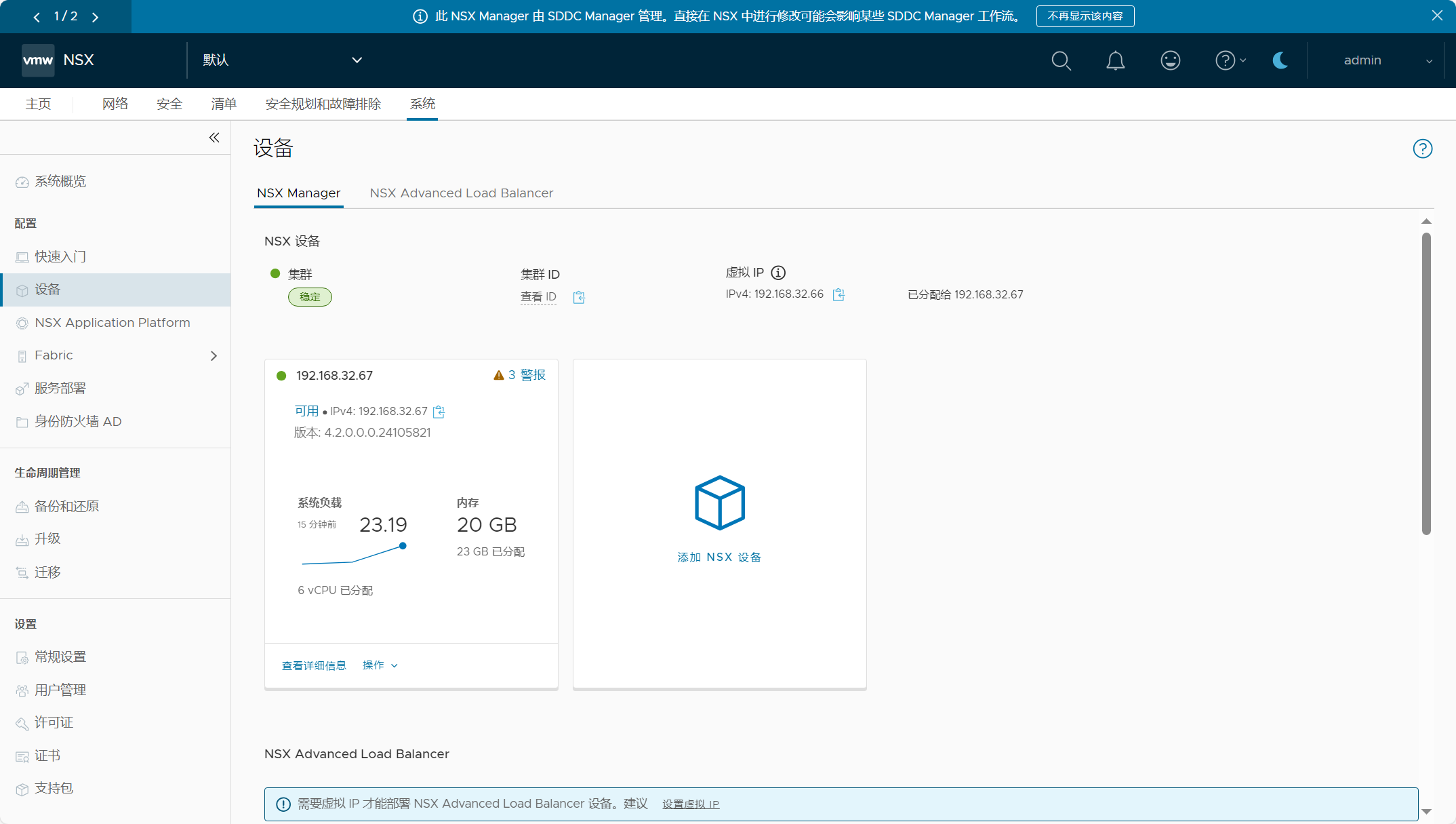
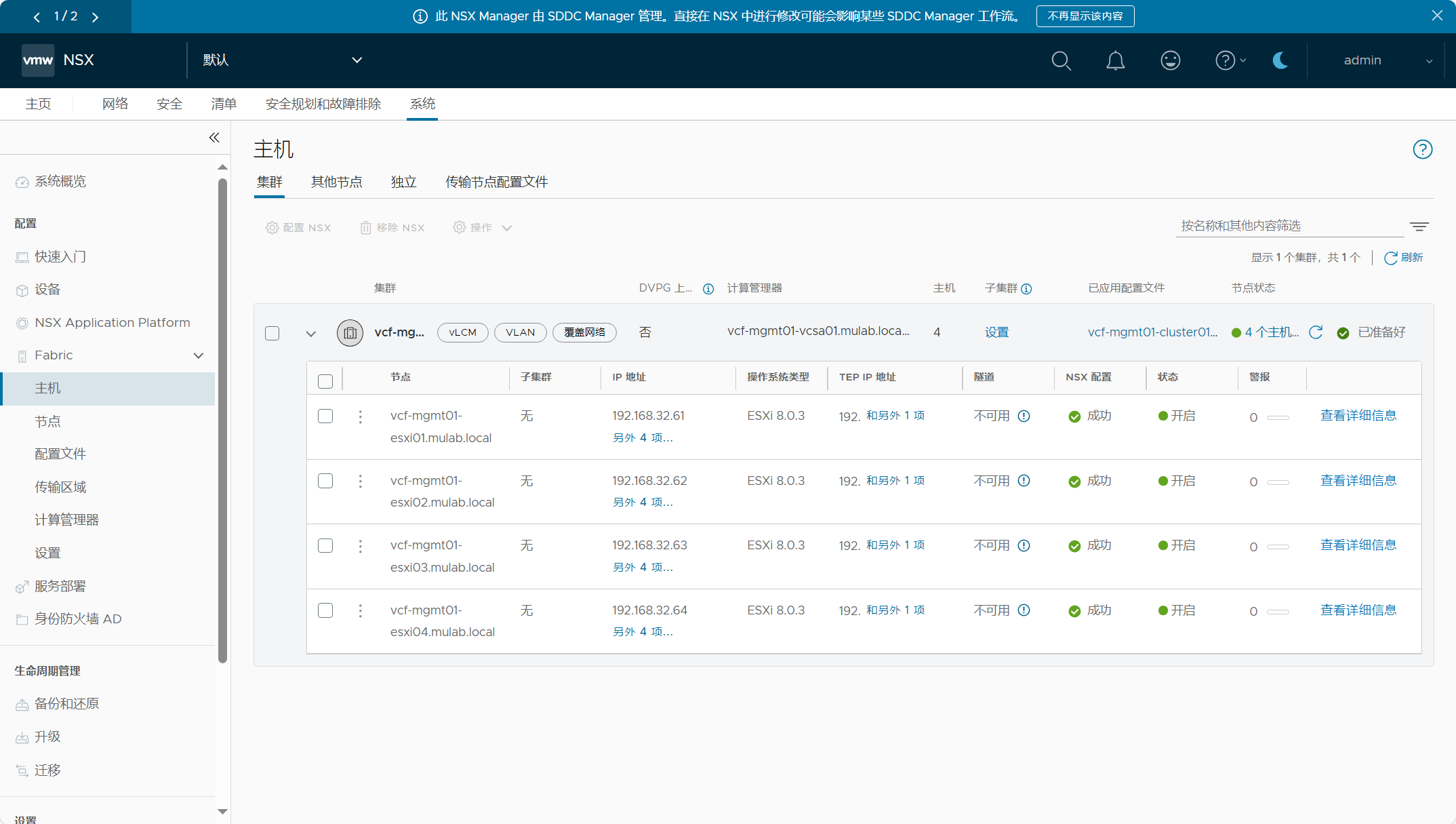
 官方公众号
官方公众号